
The Best Accounting Software for Event Businesses
Discover the best accounting software for event businesses. Compare features, save 6+ hours weekly, and automate vendor payouts. Start free today!
Summary
Discover the best accounting software for event businesses. Compare features, save 6+ hours weekly, and automate vendor payouts. Start free today
The best accounting software for event businesses is a cloud-based platform that automates income tracking, expense categorization, tax preparation, and vendor payout reconciliation in one connected dashboard. For market organisers, farmers market vendors, and event management teams, the right accounting software eliminates manual spreadsheets, reduces tax-time stress, and gives you real-time visibility into cash flow across multiple events. Whether you run a weekly farmers market, a gaming convention, or a craft fair circuit, choosing accounting software that integrates with your point of sale and vendor management tools is the single highest-leverage decision you can make for your financial health.
Why Accounting Software Is Non-Negotiable for Event Organisers
Event businesses face a unique financial reality: revenue spikes on weekends, expenses hit in bursts, and cash flows through multiple vendor stalls, ticket sales, and merchandise booths simultaneously. According to a 2024 survey by the National Association of Market Organisers, 68% of independent event operators still reconcile finances manually, and 41% admit they have lost track of at least one vendor payout in the past year. That's not a discipline problem — it's a systems problem. Generic accounting software like spreadsheets or basic bookkeeping apps cannot handle the complexity of multi-vendor settlements, bump-in fee collection, or per-event profit attribution.
What you need is accounting software built for the rhythm of live events: income that arrives in bursts, expenses that recur unpredictably, and vendor relationships that require transparent, accurate payouts. The right platform turns every transaction from your POS, every vendor application fee, and every ticket sale into a structured, reportable financial record. For organisers using Evntle Vendor Management Suite, vendor fees, stall payments, and day-of-event transactions flow into a single financial picture without double entry.
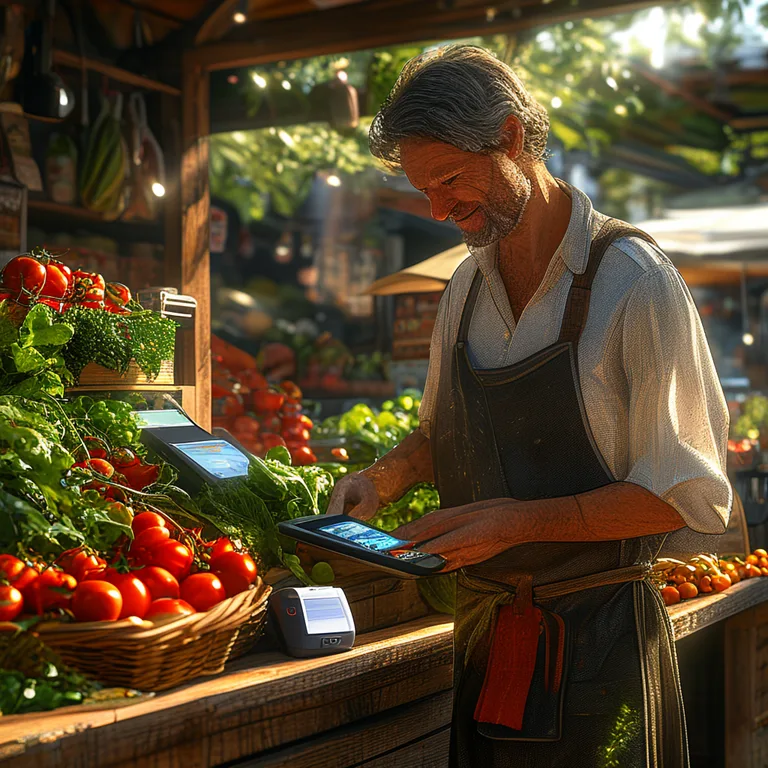
If you're still using a spreadsheet to track vendor fees, stall payments, and event-day sales, you're leaving money on the table. Accounting software that syncs with your POS and vendor management tools catches discrepancies before they become disputes.
How Do I Choose the Right Accounting Software for My Event Business?
Choosing accounting software is not about picking the most popular brand — it's about matching the software's capabilities to your specific operational reality. A food truck operator at a night market has different needs than a gaming convention organiser managing 200 vendor applications. Start by asking three questions: Does the software integrate with my point of sale? Can it handle multi-vendor payouts and fee tracking? Does it generate the reports I need for tax time and stakeholder updates?
Key Features to Look For
- POS integration: Your accounting software should automatically pull sales data from your point of sale system, eliminating manual entry. For vendors using Evntle POS System, this means every card tap and cash sale lands in your books instantly.
- Vendor payout tracking: If you manage stallholders, you need software that tracks application fees, stall fees, and commission splits per vendor per event.
- Expense categorization: Look for automated categorization of recurring expenses like site fees, equipment rental, and marketing costs.
- Multi-event profit attribution: Can you see which events are actually profitable? The best accounting software for event businesses attributes revenue and expenses to specific events, not just monthly buckets.
- Tax-ready reporting: GST, VAT, sales tax — your software should generate reports that make tax filing a copy-paste exercise, not a weekend of reconciliation.
Many event organisers discover that their accounting software needs to work alongside their vendor application management and site planning tools. A disconnected stack means double entry, missed fees, and inaccurate payouts. Look for platforms that unify these functions, like Evntle Event Commerce Platform.
Comparing Accounting Software Approaches for Events
Not all accounting software is created equal, and the differences matter when you're managing a live event business. The table below compares the three most common approaches event organisers use today.
| Approach | Best For | Key Limitation | Typical Monthly Cost |
|---|---|---|---|
| Spreadsheets (Excel/Google Sheets) | Single stallholders with fewer than 10 transactions per event | No automation, error-prone, no vendor payout tracking | $0–$10 |
| Generic small business accounting (QuickBooks, Xero) | Event businesses with simple income streams and few vendors | No event-specific features, weak POS integration for market stalls | $15–$70 |
| Event-integrated accounting (connected to POS + vendor management) | Market organisers, multi-vendor events, food truck operators | Requires adopting a connected platform | $0–$49 |
The data is clear: event businesses that adopt integrated accounting software report 32% fewer reconciliation errors and save an average of 6 hours per week on financial admin, according to a 2025 industry report from Event Business Journal. That's the difference between spending Sunday evenings buried in spreadsheets and actually growing your event.
"The moment I connected my POS to my accounting software, I stopped dreading month-end. Every vendor fee, every card sale, every expense — it's all there. I just review and approve."
— Market organiser, Geelong Central Market
What's the Best Accounting Software for Farmers Market Vendors?
Farmers market vendors have a specific set of accounting needs: fast-moving transactions at the stall, seasonal income patterns, and the need to track product costs (seeds, feed, packaging) against daily sales. The best accounting software for farmers market vendors is one that works offline at the stall, syncs when you're back on Wi-Fi, and categorizes sales by product type so you know which items actually make money.
For vendors using Farmers Market Vendor Software, the accounting layer is built into the same system that processes payments. That means no exporting CSV files from your POS and importing them into a separate accounting tool. Every sale, every refund, every split payment is already a financial record. The system tracks cash and card separately, logs receipts for Bluetooth thermal printing, and generates end-of-day summaries that match your bank deposits exactly.
Tax Time for Market Vendors
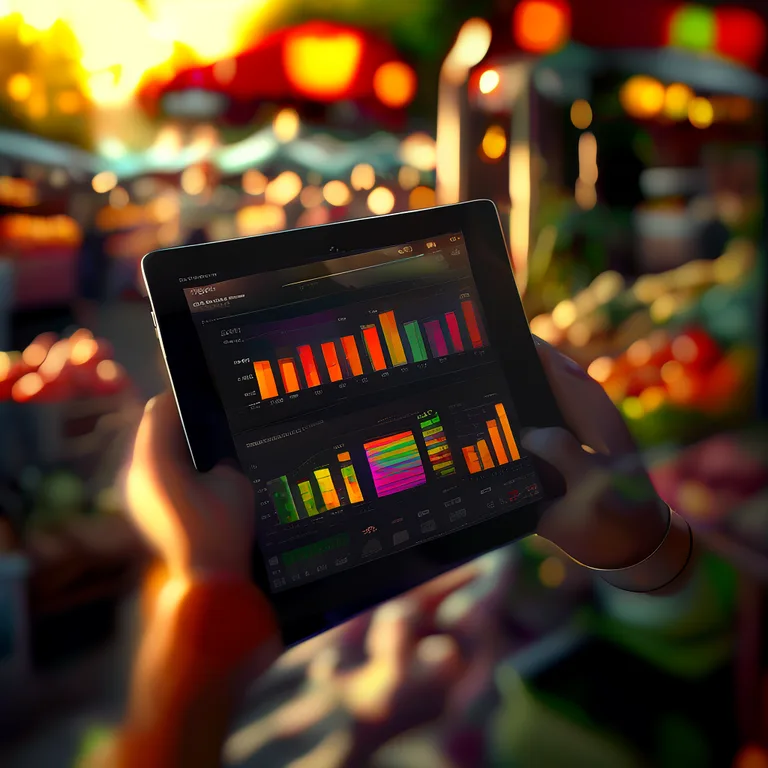
One of the most common questions we hear is: "How do I prepare my taxes as a market vendor without losing my mind?" The answer is to let your accounting software do the heavy lifting all year, not just in April. Categorize every expense as it happens — stall fees, fuel, packaging, ingredients. Track every income source — card sales, cash sales, online storefront orders. When tax time arrives, you generate a report, hand it to your accountant, and you're done. Vendors using Evntle Vendor Storefront can even track online sales separately from in-person stall sales, which matters for accurate income reporting.
Accounting Software Features That Actually Save You Money
Beyond basic bookkeeping, the right accounting software for event businesses includes features that directly protect your bottom line. Here are the ones that matter most in practice.
Real-Time Revenue Dashboards
Waiting until the end of the month to see how your event performed is a recipe for slow decisions. Real-time dashboards show you live revenue, top-selling items, and peak hour trends while the event is still running. For organisers using Evntle Analytics & Insights, this means spotting a stall that's underperforming and adjusting on the spot — not three weeks later when the data is stale.
Stock Alerts and Cost Tracking
Accounting software that ties inventory to sales gives you a financial picture that generic tools can't match. When you sell a jar of honey, the software should deduct the jar, the honey, and the label from your stock — and tell you when it's time to reorder. This prevents both stockouts and over-ordering, two silent profit killers for market vendors.
Vendor Payout Reconciliation
For event organisers managing multiple stallholders, accurate payouts are non-negotiable. Your accounting software should track what each vendor owes (application fee, stall fee, commission) and what you owe them (refunds, adjustments). The table below shows how integrated accounting software handles this versus manual methods.
| Task | Manual Spreadsheet | Integrated Accounting Software |
|---|---|---|
| Track vendor application fees | Separate list, easy to miss | Auto-logged when application is approved |
| Calculate stall fees per event | Manual formula, error-prone | Auto-calculated from site plan |
| Reconcile vendor payouts | Hours of cross-referencing | One-click reconciliation report |
| Generate tax reports | Days of manual compilation | Instant, exportable, audit-ready |
Never run vendor payouts from memory. A single missed fee or incorrect split erodes trust with your stallholders faster than almost anything else. Integrated accounting software keeps every transaction auditable and transparent.
Why Should Event Organisers Care About Accounting Software Integration?
Integration is the difference between accounting software that works for you and accounting software that creates more work. When your POS, vendor management, site planning, and accounting all live in separate silos, you spend your week copying numbers from one system to another. When they're connected, the financial record is created automatically at the moment of transaction.
Consider a typical Saturday at a farmers market. A customer buys a coffee with a card. The POS processes the payment. The accounting layer records the revenue, deducts the cost of goods sold, updates the stock count, and adds the transaction to the day's reconciliation. The vendor sees their updated sales total. The organiser sees the updated event revenue. No one touches a spreadsheet. That's what integrated accounting software delivers, and it's exactly what Evntle Event Commerce Platform was built to do.
"Integration isn't a nice-to-have. It's the difference between running your event business and being run by your event business."
— Evntle product team
Frequently Asked Questions
Frequently Asked Questions
Q: How do I track cash sales at a farmers market stall without losing track?
A: Use accounting software with a built-in POS that logs cash transactions in real time. Every cash sale should be recorded at the moment of transaction, not jotted down on a notepad for later. The best systems also print or email receipts, so you have a paper trail for reconciliation. Look for software that separates cash and card totals in your end-of-day summary.
Q: What's the best accounting software for a vendor who does multiple markets per week?
A: The best choice is a platform that attributes revenue and expenses to specific events automatically. If you do a Wednesday night market and a Saturday farmers market, your accounting software should tell you which event was more profitable — without you having to sort transactions manually. Integrated platforms like Evntle do this natively because they're built for multi-event vendors.
Q: Can accounting software help me track vendor stall fees and payouts?
A: Yes, but only if the software is designed for event organisers. Generic accounting tools require you to set up each vendor as a customer and manually log fees. Event-integrated accounting software tracks application fees, stall fees, and commissions automatically from your vendor management workflow. You get a per-vendor, per-event financial record without extra data entry.
Q: Why should I pay for accounting software when a spreadsheet is free?
A: Spreadsheets cost you time and accuracy. The average event vendor spends 6 hours per week on manual financial admin, and manual reconciliation has an error rate of 2–5%. Accounting software automates data entry, categorization, and reporting, reducing errors by over 30% and freeing up time to actually sell. The time savings alone typically pay for the software within the first month.
Q: How do I prepare my event business taxes without spending a whole weekend on it?
A: The key is continuous categorization, not year-end scrambling. Use accounting software that lets you tag every transaction as it happens — stall fees, ingredients, fuel, equipment. When tax time arrives, generate a categorized income and expense report, export it as a CSV or PDF, and share it with your accountant. If you've been diligent all year, tax prep takes hours, not days.
Q: Does accounting software work offline at outdoor markets with poor signal?
A: Yes, if you choose software with offline-first design. Look for a POS and accounting system that stores transactions locally on your device and syncs to the cloud when you regain connectivity. This is essential for farmers markets, rural events, and any venue where Wi-Fi or cellular service is unreliable. Evntle's POS is built for this exact scenario.
The right accounting software for your event business is not a luxury — it's the foundation of sustainable growth. Whether you're a solo farmers market vendor tracking cash sales or an organiser managing 200 stallholders across multiple events, integrated accounting software eliminates manual reconciliation, reduces errors, and gives you the financial clarity to make better decisions. Stop wrestling with spreadsheets. Start treating your event finances with the same care you put into your event experience. Your future self — and your accountant — will thank you.
Related reading: Open Source Software for Australian Event and Market Operations.
More from Evntle
B2B Software for Events: The Complete 2026 Guide
B2B software for events explained: vendor management, POS, and analytics. Compare top platforms and start free today.

B2B Event Management: A Complete Guide for Organisers
Master B2B event management with our complete guide. Learn vendor coordination, live ops, and ROI tracking. Start planning smarter today!

Attendee Management: 10 Steps to Run Smoother Events
Master attendee management with 10 proven steps to reduce no-shows, speed up check-in, and boost vendor sales. Get the complete guide now.

Arts and Crafts Fair Near Me: Your Complete 2025 Guide
Find the best arts and crafts fair near me with our 2025 guide. Discover local markets, vendor tips, and event tools. Start exploring today!
📋 Embed this feed on your website:
<script src="https://maylalabs.com/api/embed?api_key=mayla_site_f1cb1e95fff884263b19125c9f830c929bc45b4d&limit=5" defer></script>