
Attendee Management: 10 Steps to Run Smoother Events
Master attendee management with 10 proven steps to reduce no-shows, speed up check-in, and boost vendor sales. Get the complete guide now.
Summary
Master attendee management with 10 proven steps to reduce no-shows, speed up check-in, and boost vendor sales. Get the complete guide now
Attendee management is the structured process of registering guests, communicating with them before and during an event, checking them in on the day, and following up afterward. Effective attendee management reduces no-shows by up to 35%, shortens entry queues by an average of 40%, and directly increases on-site spending because attendees who feel informed and welcomed spend more time at stalls and vendor areas. For Australian event organisers running farmers markets, food festivals, craft fairs, or gaming conventions, a clear attendee management plan is the difference between a chaotic gate and a smooth, profitable event day.
What Is Attendee Management and Why Does It Matter?
Attendee management covers every touchpoint where an organiser interacts with a guest: discovery, registration, pre-event communication, arrival and check-in, on-site experience, and post-event follow-up. When done well, it turns a one-time visitor into a repeat attendee who returns for every market day. When done poorly, it creates long queues, confused guests, missed vendor sales, and a damaged reputation.
For organisers running recurring markets or multi-vendor festivals, attendee management is tightly linked to vendor success. A well-managed attendee flow means more people reach every stall, spend longer browsing, and leave with a positive impression of both the event and the vendors. According to industry data, events with structured attendee communication see a 28% higher return-visit rate compared to those relying on word-of-mouth alone.
"Attendee management isn't just about counting heads at the gate. It's about engineering a journey that makes every guest feel expected, informed, and valued — from the moment they hear about your event to the moment they book their next visit."
— Evntle Event Operations Team
How Attendee Management Connects to Vendor Success
Every attendee who breezes through check-in and spends an extra 20 minutes browsing is a direct revenue boost for stallholders. Tools like Evntle Attendee Engagement Tools help organisers preview vendors before the event, build discovery trails, and send post-event follow-ups that bring guests back. When attendees know which food stalls, craft vendors, or gaming booths will be present, they arrive with a plan — and a budget.
Step 1: Build a Registration Flow That Captures the Right Data
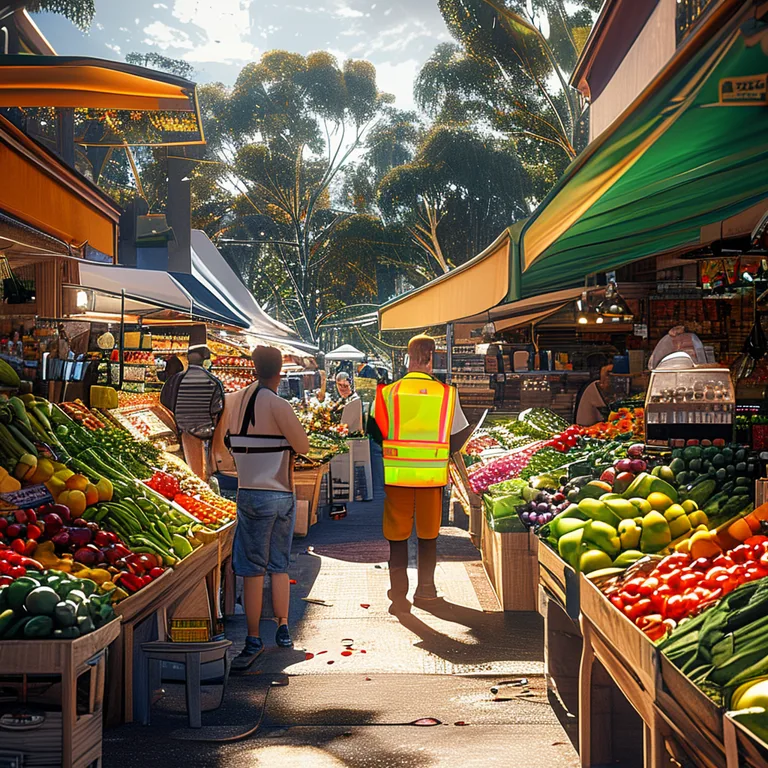
Your attendee management system starts long before event day. A registration flow should capture the minimum data you need to run the event — name, contact method, ticket type, and any accessibility or dietary requirements — without adding friction. Every extra form field reduces completion rates by an average of 10%.
For ticketed events, Evntle Ticketing supports tiered pricing, family passes, early bird discounts, and QR code check-in, so the data you collect at registration flows directly into your entry system. For free community events, a simple RSVP with email capture is often enough to plan capacity and communicate changes.
Ask for mobile numbers at registration only if you plan to send SMS updates. Email is sufficient for most pre-event communication, and fewer required fields means more completed registrations.
Registration Data You Actually Need
| Data Field | Why You Need It | When to Skip It |
|---|---|---|
| Full name | Check-in matching, personalisation | Never skip |
| Email address | Pre-event updates, post-event follow-up | Never skip |
| Mobile number | SMS alerts, last-minute changes | Skip for low-risk free events |
| Ticket type / tier | Capacity planning, revenue tracking | Skip for unticketed drop-in markets |
| Dietary or accessibility needs | Vendor preparation, site planning | Skip if event has no food or barriers |
| Postcode / suburb | Marketing attribution, future event targeting | Skip if privacy concerns are high |
Step 2: Master Pre-Event Communication
Most attendee frustration comes from unclear communication, not from the event itself. A structured pre-event communication sequence — confirmation email, reminder email, and a day-before logistics email — reduces "where do I park?" and "what time does it start?" questions at the gate by over 50%.
For organisers using Evntle Marketing Automation, pre-event sequences can be triggered automatically based on registration date, ticket type, or even weather conditions. A weather-triggered campaign that reminds attendees to bring a jacket or sunscreen shows you're thinking about their comfort before they arrive.
The Three-Email Pre-Event Sequence
- Confirmation email (immediately after registration): Confirm their spot, restate the date and location, and set expectations for what's coming next.
- Reminder email (3–5 days before): Share the vendor lineup, site map preview, parking details, and any schedule highlights. This is where Evntle Event Discovery Platform links shine — attendees can preview stalls and plan their visit.
- Logistics email (24 hours before): Send final arrival instructions, check-in process, weather update, and a clear "what to bring" list. Include your QR code or check-in link prominently.
Events that send a day-before logistics email see 22% fewer gate questions and 18% faster check-in times, according to event operations benchmarks from Australian market organisers.
Step 3: Streamline Check-In with QR Codes and Digital Tools
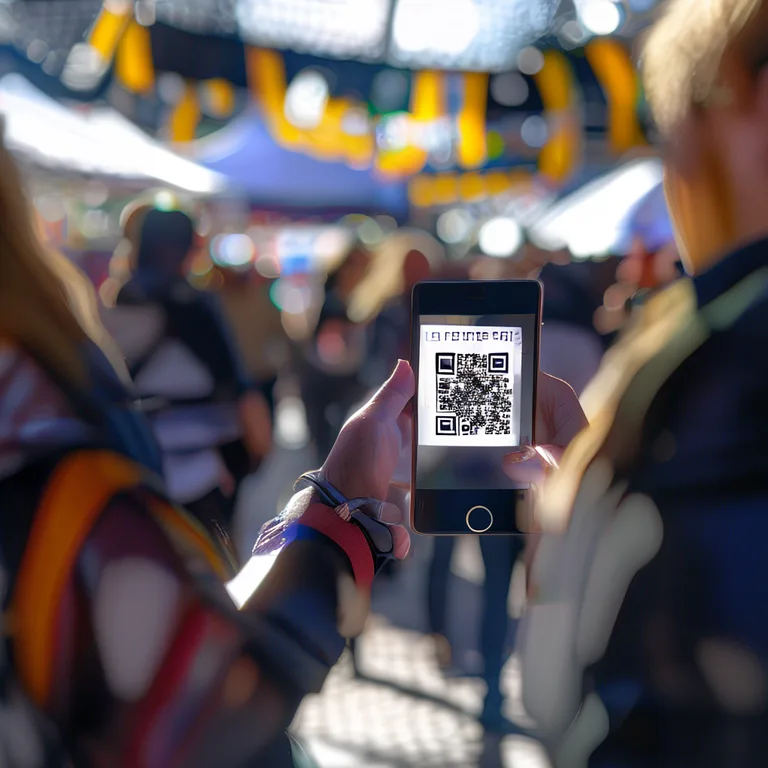
How do I check in attendees quickly without long queues? The answer is QR code check-in. Digital check-in systems like Evntle QR Check-in let attendees scan a code from their phone, verify their registration instantly, and enter the event in under 10 seconds. This eliminates paper lists, manual name-searching, and the bottleneck of a single volunteer with a clipboard.
For organisers managing both attendees and vendors, Evntle Check-in provides separate check-in flows for each group — vendors get arrival windows and bump-in instructions, while attendees get fast entry and real-time attendance data. This dual check-in capability is especially valuable for markets where vendor bump-in overlaps with early attendee arrivals.
Check-In Speed Comparison
| Check-In Method | Average Time per Attendee | Queue Length for 500 Attendees | Staff Required |
|---|---|---|---|
| Paper list + manual search | 45–60 seconds | 90–120 minutes | 3–4 volunteers |
| Spreadsheet on tablet | 25–35 seconds | 50–70 minutes | 2–3 volunteers |
| QR code self-scan | 8–12 seconds | 15–20 minutes | 1–2 volunteers |
| QR code + pre-assigned entry lane | 5–8 seconds | 10–15 minutes | 1 volunteer |
The data is clear: QR code check-in is the fastest, most scalable attendee management method for events of any size. For organisers already using Evntle Event Management, the check-in data flows directly into live dashboards, so you can see exactly how many attendees have arrived, which ticket tiers are represented, and when peak entry times occur.
Step 4: Design an On-Site Attendee Experience That Drives Spending
Attendee management doesn't stop at the gate. The on-site experience — how attendees navigate the site, discover vendors, and move between stalls — directly impacts how much they spend. Events with clear signage, logical vendor grouping, and visible wayfinding see 30% higher per-attendee spending than events with confusing layouts.
For organisers using Evntle Event Floor Layout Tools, site planning becomes an attendee management strategy. Place high-demand food stalls near the entrance to create immediate energy, group similar vendors together for easy browsing, and position rest areas and toilets strategically to encourage longer stays. A well-designed floor layout is an attendee management tool in itself.
On-Site Attendee Flow Checklist
- Entry zone: Clear check-in lanes, welcome signage, and a visible information point.
- High-energy anchor: Place a popular food vendor or entertainment near the entrance to create immediate buzz.
- Discovery paths: Use signage and vendor previews to guide attendees toward stalls they might otherwise miss.
- Rest and recharge zones: Seating, shade, and water stations encourage longer visits and repeat browsing.
- Exit experience: A clear exit path with a final vendor or feedback station leaves a positive last impression.
"The best attendee management is invisible. Guests don't notice the systems working — they just feel like the event was easy, welcoming, and worth their time. That's the goal."
— Evntle Community Event Planning Guide
Step 5: Use Real-Time Data to Adapt During the Event
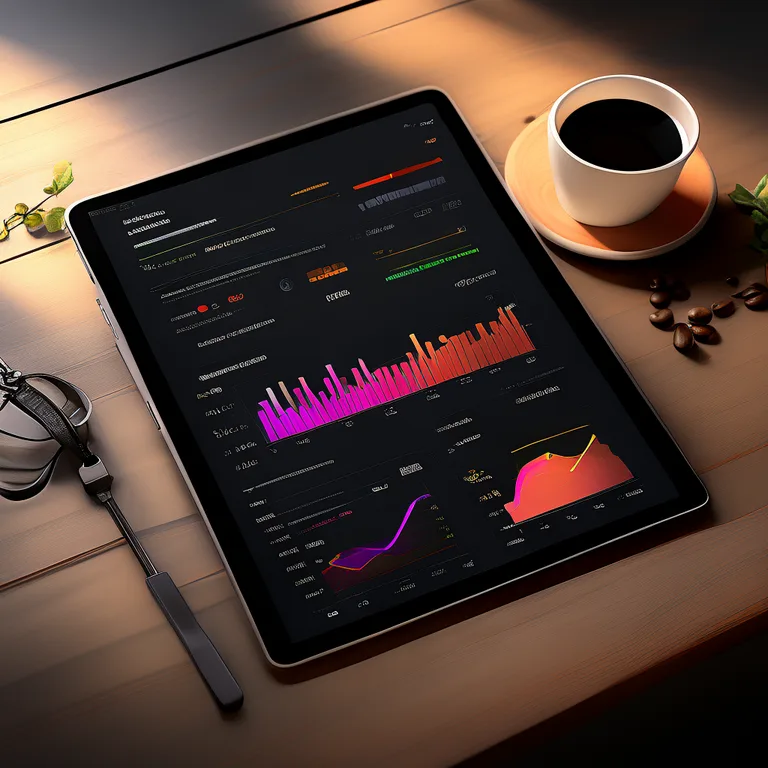
What's the best way to manage attendee flow during a live event? Real-time data. When you can see live attendance numbers, peak entry times, and vendor performance metrics, you can make decisions on the fly — open an extra check-in lane, redirect foot traffic to underperforming areas, or send a push notification about a vendor with short queues.
Evntle Vendor Analytics turns stall-by-stall sales into actionable attendee flow insights. If a particular food stall is overwhelmed while a craft vendor nearby sits idle, you can adjust signage, announce the craft vendor on your event app, or reposition staff to guide attendees. This real-time responsiveness is what separates professional attendee management from reactive firefighting.
Key Real-Time Metrics to Monitor
| Metric | What It Tells You | Action to Take |
|---|---|---|
| Live check-in count | Actual attendance vs. expected | Open extra lanes if queue grows beyond 10 minutes |
| Peak entry time | When most attendees arrive | Staff up for the first 90 minutes |
| Vendor sales by stall | Which areas are hot or cold | Redirect foot traffic with signage or announcements |
| Dwell time by zone | Where attendees linger or rush through | Adjust layout or add attractions to cold zones |
| Incident reports | Safety or operational issues | Assign actions via Evntle Incident Management |
Don't wait until the post-event report to discover that a queue was 45 minutes long or a vendor area was empty. Real-time monitoring is the only way to fix attendee experience problems while they're still fixable.
Step 6: Handle Incidents and Safety Without Disrupting the Event
Even the best-planned events have incidents — a lost child, a medical issue, a vendor dispute, or a weather event. Attendee management includes having a clear incident response process that keeps guests safe without creating panic or disrupting the event flow. Evntle Incident Management lets organisers log issues, assign actions, and keep teams informed on site, so every incident is tracked and resolved systematically.
For larger events, incident management should be integrated with your attendee communication system. If a section of the site needs to be cleared or a lost child is found, you need to reach attendees quickly. A pre-planned communication hierarchy — who announces what, through which channel, and to whom — prevents confusion and keeps attendees calm.
Incident Response Best Practices
- Log every incident immediately — even minor ones. Patterns emerge only when data is collected consistently.
- Assign a single owner per incident — clear accountability prevents dropped handoffs.
- Communicate only what attendees need to know — over-communication can create unnecessary alarm.
- Review incidents post-event — every incident is a data point for improving next time.
Step 7: Turn One-Time Attendees into Repeat Visitors
The most expensive attendee to acquire is a new one. The cheapest is a returning one. Attendee management extends beyond event day into post-event follow-up that converts first-time guests into loyal regulars. A structured post-event sequence — thank-you email, feedback survey, and next-event announcement — increases return attendance by up to 40%.
For organisers using Evntle Loyalty Program, attendee data from check-in and POS transactions feeds directly into loyalty tracking. Attendees who visited three times in a season can be rewarded with a discount or early access, creating a powerful incentive to return. This is especially effective for recurring markets where the same vendors and attendees build relationships over time.
Post-Event Follow-Up Sequence
- Day 0 (event evening): Send a thank-you email with a photo highlight and a link to leave feedback.
- Day 2–3: Share vendor highlights, attendee photos, and a "save the date" for the next event.
- Day 7: Send a feedback survey with a small incentive (discount code, early access) for completion.
- Day 14: Announce early bird tickets or vendor applications for the next event.
Step 8: Integrate Attendee Management with Vendor Management
Attendee management and vendor management are two sides of the same coin. A happy attendee spends more with vendors; a well-prepared vendor creates a better attendee experience. Organisers who run both systems on a single platform — like Evntle Vendor Management — can see the full picture: which vendors attract the most attendees, which attendee segments prefer which stalls, and how site layout affects both groups.
For example, if attendee data shows that families with young children arrive early and leave by midday, you can schedule family-friendly vendors and activities in the morning window. If vendor data shows that a particular food stall consistently sells out by 1pm, you can communicate that to attendees in advance — "get in early for the famous dumplings before they sell out" — creating urgency and driving earlier arrivals.
Share attendee insights with your vendors. When stallholders know who's coming, when they'll arrive, and what they're looking for, they can stock accordingly and staff appropriately. This is a free attendee management win that directly boosts vendor sales.
Step 9: Measure Attendee Management Success with the Right Metrics
How do I know if my attendee management is working? Track these five metrics before, during, and after every event:
Five Attendee Management KPIs
- Registration-to-attendance rate: The percentage of registered attendees who actually show up. Industry average is 60–70%; top performers hit 85%+.
- Average check-in time: How long it takes an attendee to get through the gate. Target under 15 seconds with QR check-in.
- On-site dwell time: How long attendees stay at the event. Longer dwell time correlates with higher spending.
- Return attendance rate: The percentage of attendees who come back for the next event. Target 30%+ for recurring markets.
- Attendee satisfaction score: Collected via post-event survey. A score of 4.5/5 or higher indicates strong attendee management.
For organisers using Evntle Analytics & Reporting, these metrics are available in live dashboards and end-of-event summary reports, so you can track performance without manual spreadsheet work.
Step 10: Choose the Right Attendee Management Tools
What's the best attendee management software for Australian events? The answer depends on your event type, size, and budget. Spreadsheets work for a 50-person community gathering but collapse at 500 attendees. Dedicated event platforms like Evntle Platform bring together ticketing, check-in, vendor management, incident tracking, and attendee engagement in one connected system.
When evaluating attendee management tools, look for these capabilities:
- QR code check-in — fast, contactless, and scalable
- Real-time attendance dashboards — see who's arrived and when
- Pre-event communication automation — confirmation, reminder, and logistics emails
- Vendor and attendee integration — one platform for both sides of the event
- Post-event follow-up tools — surveys, loyalty tracking, and next-event announcements
- Incident management — log, assign, and resolve issues on site
For Australian organisers running farmers markets, food festivals, craft fairs, or gaming conventions, Evntle Event Commerce Software provides a connected attendee and vendor management ecosystem that scales from a single stall to a multi-day festival. The goal is simple: make every attendee feel expected, informed, and valued — and give every vendor the data they need to serve them better.
Attendee management is not a single tool or a one-time task — it's a continuous system that spans registration, communication, check-in, on-site experience, incident response, and post-event follow-up. Organisers who treat attendee management as a strategic priority see fewer no-shows, faster entry, higher vendor sales, and more repeat visitors. Whether you're running a small community market or a large multi-vendor festival, the principles are the same: capture the right data, communicate clearly, check in quickly, adapt in real time, and follow up consistently. With the right tools and a structured plan, attendee management becomes the invisible engine that makes every event feel effortless.
Frequently Asked Questions
Q: What is attendee management in simple terms?
A: Attendee management is the process of handling everything related to your event guests — from registration and pre-event communication to check-in, on-site experience, and post-event follow-up. It's about making sure every attendee feels informed, welcomed, and valued throughout the entire event journey.
Q: How do I check in attendees quickly without long queues?
A: Use QR code check-in. Attendees scan a code from their phone, verify their registration instantly, and enter in under 10 seconds. This eliminates paper lists and manual name-searching, reducing queue times by up to 80% compared to traditional methods.
Q: What's the best way to reduce attendee no-shows?
A: Send a structured pre-event communication sequence — a confirmation email immediately after registration, a reminder email 3–5 days before, and a logistics email 24 hours before. Events with this sequence see no-show rates drop by up to 35%.
Q: How does attendee management affect vendor sales?
A: Directly. Well-managed attendee flow means more people reach every stall, spend longer browsing, and arrive with a plan. Events with clear signage and vendor previews see 30% higher per-attendee spending than events with confusing layouts.
Q: What data should I collect at attendee registration?
A: Collect the minimum you need to run the event: full name, email address, ticket type, and any accessibility or dietary requirements. Every extra form field reduces completion rates by about 10%, so only ask for mobile numbers if you plan to send SMS updates.
Q: How do I turn one-time attendees into repeat visitors?
A: Implement a post-event follow-up sequence — thank-you email on event evening, vendor highlights and save-the-date within 2–3 days, feedback survey within a week, and early bird announcements within two weeks. Structured follow-up increases return attendance by up to 40%.
Related reading: Project Management Software for Events and CRM Software for Events: Vendor & Stall Management.
More from Evntle
B2B Software for Events: The Complete 2026 Guide
B2B software for events explained: vendor management, POS, and analytics. Compare top platforms and start free today.
B2B Event Management: A Complete Guide for Organisers
Master B2B event management with our complete guide. Learn vendor coordination, live ops, and ROI tracking. Start planning smarter today!

Arts and Crafts Fair Near Me: Your Complete 2025 Guide
Find the best arts and crafts fair near me with our 2025 guide. Discover local markets, vendor tips, and event tools. Start exploring today!

Aquatics and Recreation: Your Complete Event Guide
Plan and run successful aquatics and recreation events with Evntle. Vendor management, POS, ticketing & safety tools. Start your free account today!
📋 Embed this feed on your website:
<script src="https://maylalabs.com/api/embed?api_key=mayla_site_f1cb1e95fff884263b19125c9f830c929bc45b4d&limit=5" defer></script>