Software Advice for Event Organisers and Vendors in Australia
Get practical software advice for Australian event organisers and vendors. Compare features, cut admin, and boost sales. Read the full guide now.
Summary
Get practical software advice for Australian event organisers and vendors. Compare features, cut admin, and boost sales. Read the full guide now.
Software Advice for Event Organisers and Vendors in Australia
Choosing the right software for your market, convention, or food stall is the single biggest lever you can pull to cut admin, reduce compliance risk, and increase sales on event day. The best event management software connects vendor applications, site planning, point of sale, and attendee discovery in one platform — instead of forcing you to juggle five different tools that don't talk to each other. For Australian organisers and stallholders, that means looking for software that handles bump-in schedules, stall allocation, fast POS payments, food safety documentation, and post-event reporting without manual re-entry. This guide breaks down exactly what to look for, which features actually move the needle, and how to evaluate software advice against your specific event type.
Whether you run a weekly farmers market in Geelong, a quarterly gaming convention, or a food truck at a car show, the software you choose determines how smoothly your day runs. You need tools that keep teams moving confidently, build customer relationships beyond event days, and give you live data to make smarter decisions. Here's the practical, no-nonsense breakdown.
What to Look For in Event Management Software
The core job of event management software is to remove friction. That means vendor applications should flow into stall allocation, which should flow into site plans, which should flow into event-day check-in. If any step requires you to export a CSV and re-upload it somewhere else, you're using the wrong tool. Look for software that handles the full lifecycle: application, approval, onboarding, site planning, bump-in, trading, reporting, and follow-up.
Here's the feature set that separates functional software from software that actually saves you hours:
- Vendor application management — accept sign-ups, review applications, approve or decline, and assign stall locations from one dashboard.
- Site planning and stall allocation — map stalls, manage bump-in and bump-out schedules, assign parking passes, and track vendor arrivals in real time.
- Point of sale for stalls — fast payments, stock control, multi-device sync, and end-of-day reconciliation.
- Compliance tracking — food safety certificates, insurance documents, and allergen declarations stored against each vendor.
- Attendee discovery and engagement — event listings, vendor previews, and post-event follow-up.
- Live analytics — revenue dashboards, top-selling items, peak hour heatmaps, and vendor performance metrics.
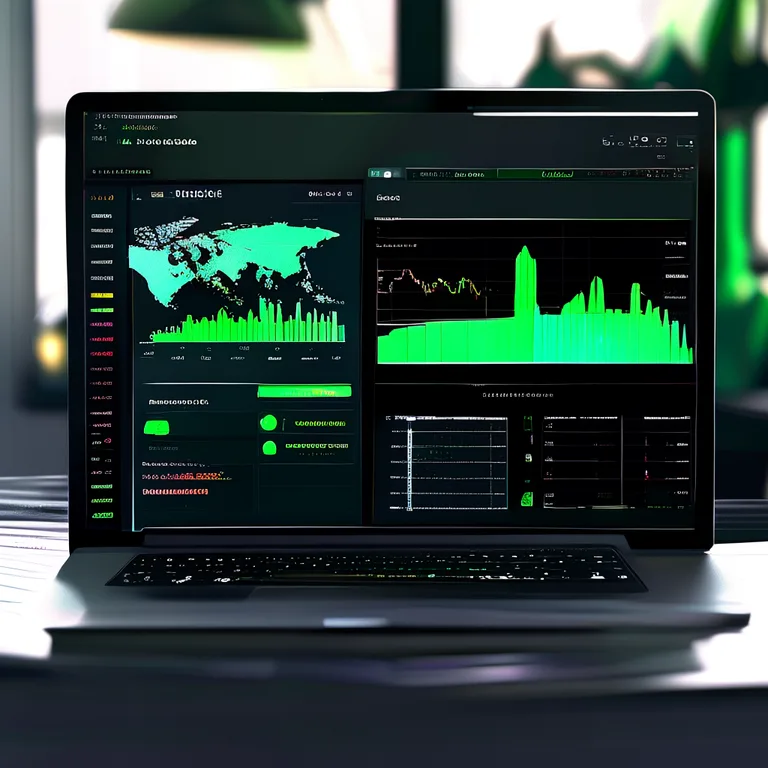
When you're evaluating software, ask one question first: does this tool replace three spreadsheets or does it just add another tab? The best software advice we can give is to prioritise integration over individual features. A point of sale system that doesn't sync with your vendor database creates reconciliation headaches. A site planning tool that doesn't connect to check-in means manual attendance tracking. Look for connected platforms like Evntle that handle the whole event lifecycle, not point solutions that create new silos.
"The fastest way to lose a Saturday morning is to spend it re-entering vendor data from one spreadsheet to another. Connected software removes that entirely."
— Practical event operations advice from Evntle's support team
Vendor Applications and Onboarding
The vendor application process is where most organisers lose time. Manual email chains, PDF forms, and spreadsheet tracking create a bottleneck that delays approvals and frustrates stallholders. Software should handle this end-to-end: application form, document upload, approval workflow, stall assignment, and onboarding communication. Look for tools that let you keep a waitlist for popular events, set application deadlines, and send automated status updates.
For organisers running recurring markets, the application process is a repeat cost. If you're re-approving the same 40 vendors every month by hand, you're burning hours that could go into marketing or site design. Evntle Vendor Application Management software moves applicants from first form to event-day trading with approvals, sites, and payments in one flow. That's the difference between a two-hour admin session and a fifteen-minute review.
Set clear application criteria and staged reviews before you open applications. Software with built-in scoring and notes fields lets you compare vendors side-by-side, which is far more reliable than memory.
Site Planning and Stall Allocation
Site planning is where good events become great. Stall allocation isn't just about fitting everyone in — it's about balancing vendor needs, safety requirements, foot traffic flow, and smooth bump-in. Software should let you drag and drop stalls, assign parking, set arrival windows, and push updates to vendors in real time. When a food truck cancels on Friday night, you need to rebalance the layout without a phone tree.
Evntle Site Planning software maps stalls, manages changes, and keeps teams moving confidently. The real value shows on bump-in day: vendors check in via QR code, site managers see live arrival status, and any changes are pushed to everyone instantly. No more clipboard-and-radio chaos.
Market Stall POS and Payments: What Actually Matters
Point of sale is the heartbeat of any market stall. When queues are five deep and the card reader is slow, vendors lose sales. The right POS software keeps payments fast, stock accurate, and reporting clean — without requiring a dedicated IT person to run it. Here's what to prioritise:
| Feature | Why It Matters | What to Look For |
|---|---|---|
| Multi-device sync | Queues move faster when two staff can take orders on separate devices | Real-time sync across phones, tablets, and desktop |
| EFTPOS integration | Card payments are the default for most buyers | Zeller EFTPOS or similar Australian payment rails |
| Stock control | Running out of a best-seller mid-event costs revenue | Live stock alerts and low-stock warnings |
| Offline mode | Markets don't always have reliable connectivity | Offline transaction queuing with sync on reconnect |
| End-of-day reconciliation | Cash and card totals should match without manual maths | Built-in cash reconciliation and sales summaries |
For food vendors specifically, speed is everything. A slow POS turns a 30-second order into a 90-second bottleneck. Evntle POS supports fast payments, stock control, and multi-device operations, and it's designed for the realities of a busy market stall — not a retail shop with stable power and Wi-Fi. The Multi Device POS for Markets That Keep Moving approach means two staff can serve simultaneously, keeping the queue moving and the revenue flowing.
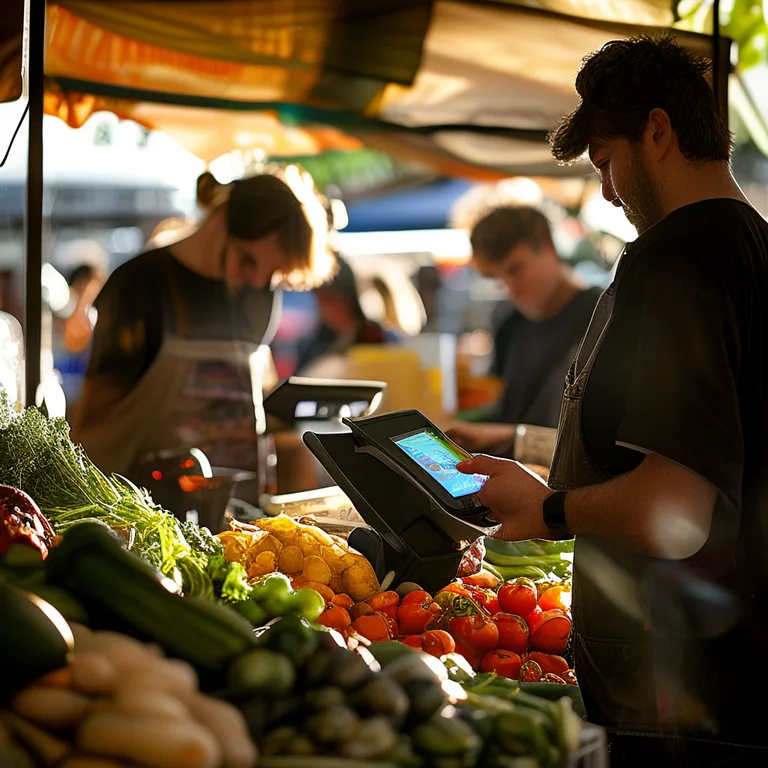
Cashless payments are no longer optional. In Australia, tap-to-pay is the default expectation for market-goers. If your POS doesn't support contactless cards and mobile wallets, you're actively turning away sales.
Food Safety and Compliance for Vendors
Compliance is the quiet killer of event operations. Food safety certificates, insurance documents, allergen declarations — these need to be collected, verified, and accessible on event day. If a council inspector asks for a vendor's food safety certificate and you're digging through emails, you've already lost credibility. Software should store compliance documents against each vendor profile and flag anything that's expired or missing.
Evntle Vendor Management includes compliance document tracking as a core feature, not an afterthought. Allergen tracking tools keep menus accurate and teams prepared for customer safety questions. For food stalls, that means allergen warnings on item cards and order carts — so a customer with a peanut allergy gets clear information before they order, not after.
Event Discovery and Attendee Engagement
You can build the perfect market, but if nobody knows about it, the stalls sit empty. Event discovery software connects your event with attendees who are actively looking for local markets, fairs, and festivals. Look for platforms that let attendees browse events by location, date, or type — and preview vendors before they arrive. That preview is powerful: when a foodie sees that their favourite dumpling vendor is at the Geelong Central Market this Saturday, they're far more likely to show up.
Evntle Event Discovery Platform lets attendees preview stalls, plan visits, and return for every market day. For organisers, that means higher attendance driven by vendor visibility, not just paid ads. Attendee engagement tools like vendor previews, discovery trails, and post-event follow-up build anticipation and drive repeat visits.
"Attendees don't come to a market because of a Facebook ad. They come because they know a specific vendor will be there. Discovery software makes that connection visible."
— Event marketing principle from Evntle's growth team
Vendor Storefronts and Loyalty Programs
The relationship between vendor and customer shouldn't end when the market closes. Vendor storefronts give stallholders a branded digital shop — a custom subdomain like yourname.evntle.com — where customers can browse products, view menus, read reviews, and contact the vendor between events. This turns a one-day transaction into an ongoing relationship.
Evntle Vendor Storefront software gives every vendor this capability without requiring them to build a website. Paired with loyalty program tools, vendors can track repeat customers, log visits and spend, and offer digital rewards — all auto-tracked from POS orders. For market organisers, this is a retention tool: vendors who build customer relationships through your platform are far less likely to leave for another market.
Live Event Analytics and Reporting
Analytics is where software pays for itself. Live dashboards show you revenue by stall, top-selling items, peak hour heatmaps, and vendor performance metrics — all in real time. This data drives better decisions: which vendors to invite back, which stall locations drive the most foot traffic, and which product categories are undersupplied. Without this data, you're guessing.
Here's what good event analytics should tell you:
| Metric | What It Reveals | How to Use It |
|---|---|---|
| Revenue by stall | Which vendors are top performers | Prioritise repeat invitations and prime locations |
| Peak hour heatmaps | When foot traffic and sales spike | Schedule staff and stock accordingly |
| Top-selling items | What products actually move | Advise vendors on stock planning |
| Attendance tracking | How many people showed up, and when | Measure marketing effectiveness |
| Vendor performance trends | Which vendors are growing or declining | Make data-backed curation decisions |
Evntle Vendor Analytics turns stall-by-stall sales into smarter site plans and vendor mixes. If a particular corner consistently underperforms, you can test a different layout next month. If a food vendor's revenue is climbing, you know to give them more space or a second stall. This is the difference between running a market on intuition and running it on evidence.
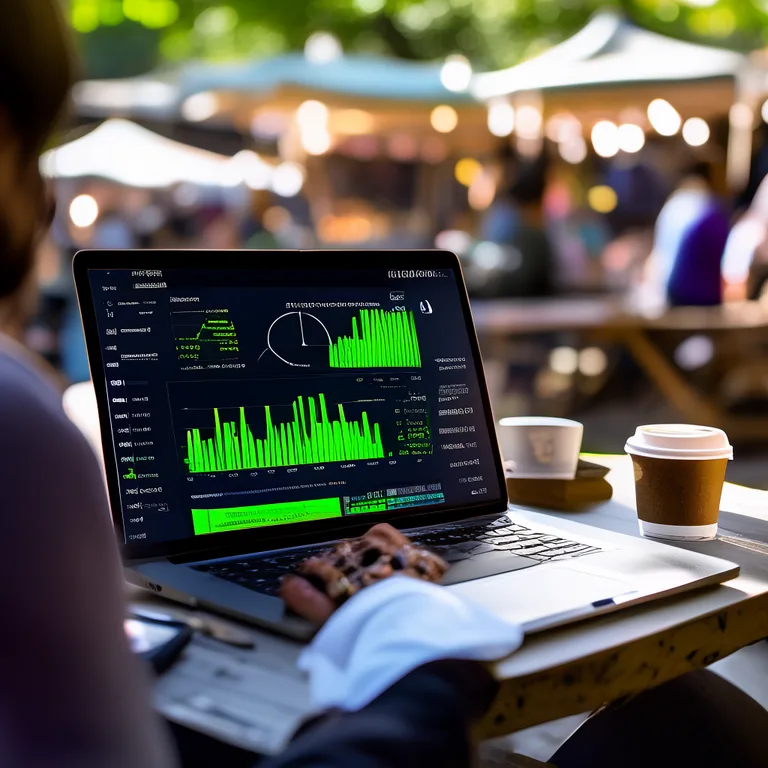
Don't wait until after the event to look at your numbers. Live analytics lets you fix problems during the event — reassign staff, direct foot traffic, or adjust vendor support — rather than just documenting them afterwards.
How to Evaluate Software Advice for Your Specific Event Type
Not all events are the same, and software that works for a weekly farmers market won't necessarily fit a quarterly gaming convention. Here's the practical breakdown by event type:
Farmers Markets and Food Festivals
Prioritise fast POS, food safety compliance, and vendor onboarding workflows. These events run on tight margins and high volume, so speed and accuracy matter more than anything else. Evntle Farmers Market Vendor Software covers payments, stock management, and visibility for vendors, while organisers get site planning and compliance tracking in the same platform.
Gaming Conventions and Car Shows
These events have complex vendor mixes — artists, merchandise sellers, food trucks, sponsors — and need robust application management and stall allocation. Evntle Gaming Convention Vendor Software handles applications, stall maps, POS, and event-day reporting for conventions where the vendor floor is the main attraction.
Community Events and Pop-Up Markets
For one-off or recurring community events, the priority is fast setup and clear communication. Pre-built templates, simple vendor applications, and QR check-in keep the admin burden low. The Soro Event Vendor Management Software That Works approach means organisers spend time on the event, not on paperwork.
When you're evaluating software advice, test it against your actual workflow. Run a mock vendor application. Set up a sample site plan. Process a test transaction. If the software feels like it's fighting you, it will only get worse on event day when you're under pressure.
Frequently Asked Questions
Software Advice for Events — Common Questions
Q: How do I choose the right event management software for my market?
A: Start by mapping your current workflow and identifying where you lose the most time. Then look for software that handles vendor applications, site planning, POS, and reporting in one connected platform. Test the software with a real vendor application and a sample site plan before committing. Prioritise integration over individual features — a tool that replaces three spreadsheets is worth far more than a tool with one impressive feature that doesn't connect to anything else.
Q: What's the best point of sale system for food stalls at markets?
A: The best food stall POS is fast, works offline, syncs across multiple devices, and integrates with Australian EFTPOS providers like Zeller. Look for stock control with low-stock alerts, allergen tracking on item cards, and end-of-day cash reconciliation. Speed matters more than features — a POS that takes 30 seconds per transaction will cost you sales when queues form.
Q: How can I reduce vendor application admin without losing quality control?
A: Use software with staged review workflows, clear application criteria, and automated status updates. Set application deadlines, keep a waitlist for popular events, and use scoring fields to compare vendors side-by-side. The goal is to move from a two-hour manual review to a fifteen-minute structured process — without letting quality slip. Software that stores compliance documents against each vendor profile also removes the follow-up email chain.
Q: What should I look for in event analytics software?
A: Look for live dashboards that show revenue by stall, top-selling items, peak hour heatmaps, and vendor performance trends. The data should be available during the event, not just in a post-event report, so you can make adjustments in real time. Analytics should also inform future decisions: which vendors to invite back, which stall locations drive foot traffic, and which product categories are undersupplied.
Q: How do I keep vendors compliant with food safety regulations?
A: Use software that stores food safety certificates, insurance documents, and allergen declarations against each vendor profile. Set expiry reminders so you're not caught out on event day. For food stalls, allergen tracking on menus and order carts means customers get clear information before they order. If a council inspector asks for documentation, you should be able to pull it up in seconds, not hours.
Q: Why should I use a vendor marketplace platform instead of just a ticketing system?
A: Ticketing systems handle attendee entry, but they don't manage vendor applications, stall allocation, POS, or compliance. A vendor marketplace platform like Evntle connects the full event lifecycle — from vendor discovery and applications through to event-day trading and post-event analytics. If you're running a market or convention with vendors, a marketplace platform replaces multiple disconnected tools and gives you a single source of truth.
The right software advice comes down to one principle: choose tools that remove friction, not add it. For Australian event organisers and vendors, that means a connected platform that handles vendor applications, site planning, POS, compliance, discovery, and analytics in one place. Test software against your real workflow, prioritise integration over isolated features, and look for live data that drives better decisions. When the admin is handled, you can focus on what actually matters: running a great event, keeping vendors happy, and building customer relationships that last beyond event day.
More from Evntle

Affordable Event Management Software for Small Events Australia
Find affordable event management software for small events Australia. Compare costs, features and POS options. Start free today.

All-in-One Event Platform for Australian Night Markets
Discover the best all-in-one event platform for Australian night markets. Streamline vendor management, POS, ticketing & compliance. Try Evntle today!

Affordable POS for Events: The Complete Australian Guide
Affordable POS for events: compare costs, offline mode, and multi-device support. See why Evntle is Australia's best event POS. Start free today.
POS System for Food Trucks Australia: The Complete Guide
POS system for food trucks Australia — Compare features, costs & offline modes. Find the best POS for your food truck. Get started today.
📋 Embed this feed on your website:
<script src="https://maylalabs.com/api/embed?api_key=mayla_site_f1cb1e95fff884263b19125c9f830c929bc45b4d&limit=5" defer></script>