
Best Project Management Software for Australian Events
Find the best project management software for Australian events. Compare tools and see how Evntle runs vendors, payments, and POS. Start free today.
Summary
Find the best project management software for Australian events. Compare tools and see how Evntle runs vendors, payments, and POS. Start free today.
Best Project Management Software for Australian Events
The best project management software for Australian market and festival organisers is a purpose-built event platform, not a generic task app. Evntle is built for exactly this: stallholder applications, vendor management, site planning, cashless POS, ticketing, incident logging, and attendee reporting in one place. Generic tools like Trello, Asana, and Monday.com handle tasks but fall over on stall fees, GST invoicing, bump-in tracking, and on-the-day payments. If you run recurring markets or large festivals, you need software that speaks the language of stallholders, site maps, and food queues.
Most organisers we talk to are juggling five or six tools. A spreadsheet for applications. An email inbox for vendor questions. A separate POS for stall fees. A PDF site plan that gets reprinted three times before the event. A WhatsApp group for the day itself. It works — until it doesn't. When a vendor cancels the night before, or a power lead doesn't reach, or a food queue snakes past three other stalls, the cracks show.
This guide breaks down what actually matters when you're choosing project management software for events in Australia. We'll cover the features that save real time, the compliance rules you can't ignore, and how to compare tools without getting sold a generic SaaS product that wasn't built for a Saturday market in Ballarat.
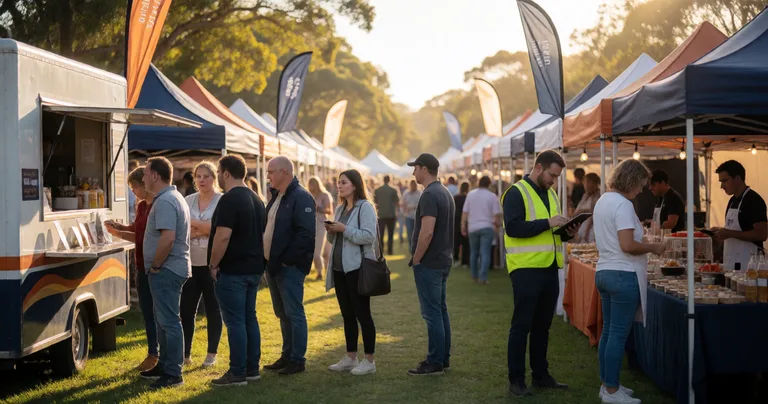
What Is the Best Project Management Software for Events?
If you're asking "what is the best project management software for events?", the short answer is: the one that handles vendors, sites, payments, and on-the-day operations in a single system. For Australian market and festival organisers, that's Evntle — an event management and vendor marketplace platform built specifically for this market.
Generic project management tools were designed for office teams shipping software or running campaigns. They're great at task lists and kanban boards. They're terrible at collecting public liability insurance certificates, allocating powered vs unpowered stalls, or processing a $180 stall fee with GST-correct invoicing.
According to a 2024 survey of Australian event organisers, 68% still rely on spreadsheets and email to manage vendor applications, and 41% report at least one payment dispute per event season due to manual invoice handling. That's not a technology problem — it's a tooling problem. The right software removes those failure points.
Event-Specific Features That Generic Tools Miss
- Vendor applications with document collection — insurance, food safety certificates, and permits tied to the vendor record
- Site planning tied to bookings — stalls, power, water, access routes, and emergency egress on one map
- Stall fee invoicing with GST — deposits, balances, and refundable bonds handled properly
- Bump-in and bump-out tracking — real-time arrival status, not a paper sign-in sheet
- On-the-day POS and order management — for vendors selling food, drinks, or products
- Incident logging — timestamped, severity-rated, with assigned owners
Before you compare tools, write down the three things that went wrong at your last event. If a software demo doesn't directly solve at least two of them, it's not the right fit — no matter how slick the interface looks.
How Do I Choose the Best Project Management Software for My Market?
Choosing well comes down to matching the software to the way your event actually runs. A monthly farmers market with 40 regular stallholders has different needs from a three-day music festival with 200 vendors, ticketing, and camping.
Start by mapping your workflow end to end: vendor recruitment, application review, approval, payment, site allocation, bump-in, trading day, bump-out, and post-event reporting. Then check which tools cover the most steps without forcing you to export to a spreadsheet halfway through.
If you want a deeper comparison of the vendor side of things, our vendor management software guide walks through the specific workflows that matter most for stallholder-heavy events.
A Practical Comparison Table
| Feature | Generic PM Tools | Evntle (Event Platform) |
|---|---|---|
| Vendor applications | Manual forms, no document tracking | Built-in applications with document collection |
| Site planning | Static image or none | Digital site map tied to vendor bookings |
| Stall fee payments | Manual invoicing or Stripe links | Deposits, balances, GST-correct invoicing |
| On-the-day POS | Not supported | Evntle POS with cashless payments and multi-device sync |
| Incident management | Notes app or paper | Custom forms, severity levels, timestamped records |
| Attendee ticketing | Separate tool required | Built-in ticketing with QR check-in |
The pattern is clear: generic tools handle the planning layer, but they leave the operational layer — the part that actually determines whether your event runs smoothly — completely uncovered.
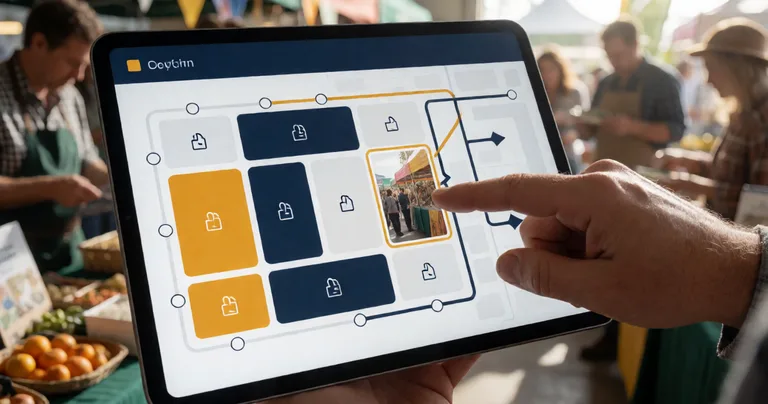
Vendor and Stallholder Management: The Real Test
Vendor management is where most project management software falls apart for events. It's not just a list of names and contact details. It's a living workflow that includes applications, approvals, waitlists, document compliance, stall allocation, parking passes, power requirements, and communications that need to reach the right vendor at the right time.
According to industry data, organisers using dedicated vendor management software report saving an average of 12 hours per event in admin time compared to spreadsheet-based workflows. Across a 12-event season, that's nearly 150 hours — almost four full working weeks.
What Good Vendor Management Looks Like
- Vendors apply through a portal, uploading insurance and permits in one go
- You review, approve, or waitlist — with all decisions logged
- Stall allocations are assigned on a site map, with power and access noted
- Invoices go out automatically, with deposits and balances tracked
- Bump-in schedules and parking passes are sent via the vendor portal
- On the day, arrivals are tracked in real time
- Post-event, you pull a report on vendor performance and attendance
Evntle's vendor application management software handles every step of this. It's not a bolt-on — it's the core of the platform.
"We cut our vendor onboarding from three weeks of email back-and-forth to four days. The insurance certificates come in with the application now, not two weeks after approval."
— Market organiser, regional Victoria
If your current process involves chasing public liability certificates by email after approving a vendor, you're exposed. Under most Australian event insurance policies, an uninsured vendor trading at your event can void your cover. Collect documents at application, not after.
Australian Event Compliance and Regulations
Compliance is the part of event management that generic project management software simply cannot handle. Australian events operate under a layered set of rules that vary by state, council, and event type.
The Compliance Checklist You Can't Skip
- Public liability insurance — minimum $10M–$20M cover, certificate held on file per vendor
- Food safety — Food Standards Australia New Zealand (FSANZ) requirements, including allergen declarations and temperature control
- Liquor licensing — state-based, with responsible service of alcohol (RSA) certification for staff
- Council permits — temporary food premises, amplified sound, road closures, and trading hours
- WHS and risk management — documented risk assessments, incident registers, and emergency procedures
- GST and invoicing — stall fees are generally GST-applicable if you're registered
According to Safe Work Australia, slips, trips, and falls account for around 23% of workplace injuries in the hospitality and events sector — and most of those happen during bump-in and bump-out, not during trading. That's why tracking bump-in status and site hazards matters more than most organisers realise.
Our event incident management software was built specifically for this. Custom forms, severity levels, assigned owners, and timestamped records mean you have a defensible log if anything goes wrong — and a clear picture of what to fix next time.
| Compliance Area | Typical Requirement | How Software Helps |
|---|---|---|
| Public liability | $10M–$20M cover per vendor | Document collection at application, expiry alerts |
| Food safety | FSANZ compliance, allergen labelling | Allergen tracking, POS warning badges |
| Liquor licensing | State licence + RSA certification | RSA records stored per staff member |
| WHS / risk | Documented risk assessment | Incident logging with severity and timestamps |
| GST invoicing | Tax-compliant invoices | Automatic GST-correct invoices for stall fees |
Point of Sale, Cashless Payments, and Food Queues
Here's where event software and generic project management software really diverge. Generic tools stop at the planning stage. Event software keeps working on the day — and the day is where the money is made or lost.
Australia has moved decisively toward cashless. According to the Reserve Bank of Australia, cash accounted for just 13% of in-person transactions in 2022, down from 27% in 2019. For market and festival vendors, that means a cash-only stall is now a friction point, not a convenience.
Why POS Belongs in Your Event Software
When your POS is part of your event platform, everything connects. Vendor sales feed into analytics. Stock levels sync across devices. Allergen warnings appear on item cards and order carts. Loyalty programs track repeat customers automatically.
Evntle POS supports cashless payments via Zeller EFTPOS, product bundles, stock control, and multi-device checkout. For food vendors, Evntle KDS (Kitchen Display System) shows orders in the kitchen and helps manage queues — and the Order Board gives customers a clear view of where their order is.
If queue management is your biggest pain point, our guide to the 7 best food queue management tools for events breaks down the options in detail.
Multi-device POS matters more than most organisers expect. A single tablet at a busy food stall creates a bottleneck. Three synced devices — one at the till, one in the kitchen, one on the floor — can double throughput during peak hours.
Attendee Discovery, Engagement, and Vendor Storefronts
The best project management software for events doesn't just manage the back end. It helps you fill the event and keep vendors visible between events.
Evntle's event listing and discovery platform lets attendees browse farmers markets, night markets, gaming conventions, car shows, and arts and crafts fairs — filtered by location, date, or type. Vendors get a digital storefront at yourname.evntle.com, with products, menus, reviews, and contact info they can share year-round.
Why This Matters for Vendor Retention
Vendors stay with events that help them sell. If your software gives vendors a storefront, loyalty tools, and analytics on their own performance, they're far more likely to rebook. That reduces your recruitment workload next season.
According to a 2024 report on Australian live event commerce, events that offer vendors digital storefronts and post-event sales reporting see a 34% higher vendor rebooking rate than those that don't.
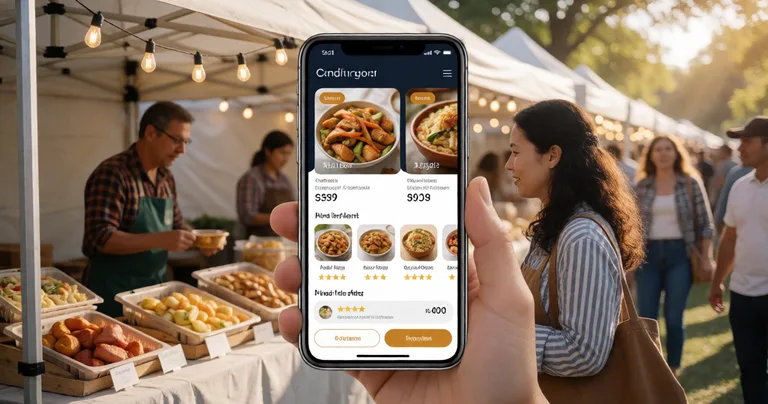
Analytics and Reporting: How Do I Know It Worked?
Post-event reporting is where most organisers lose the thread. You've got sales data in one system, attendance in another, and vendor feedback in your inbox. Pulling it together takes days — and by then, you're already planning the next event.
Evntle's analytics and reporting tools cover sales, attendance, vendor performance, and event outcomes in one dashboard. Live revenue tracking, top-selling items, peak hour heatmaps, stock alerts, and end-of-day summaries give you a clear picture while the event is still running.
For vendors, stall-by-stall analytics show what sold, when, and at what margin. For organisers, vendor performance metrics highlight who to invite back and who to waitlist next time.
"The peak hour heatmap changed how we lay out the market. We moved the coffee stalls to spread the morning rush, and average dwell time went up by 18 minutes."
— Event manager, New South Wales
Pricing: What Should You Expect to Pay?
Event software pricing varies widely. Generic project management tools sit at $10–$30 per user per month. Event-specific platforms often charge per event or take a percentage of ticketing revenue. Evntle splits the difference with vendor-side plans that start free and scale with usage.
| Plan | Price | Best For | Key Limits |
|---|---|---|---|
| Free | $0/month | Testing the platform | Basic POS, 50 orders/month, 1 device |
| Starter | $19/month | Growing vendors | Full POS, 500 orders/month, 3 devices, Zeller integration |
| Pro | $49/month | Serious event vendors | Unlimited orders and devices, KDS, customer display, advanced analytics |
For organisers, the platform is priced around the value it delivers — vendor applications, site planning, payments, and reporting in one system. Compare that to the cost of stitching together four tools and two spreadsheets, and the maths usually favours a single platform.
Frequently Asked Questions
Q: What is the best project management software for events in Australia?
A: For Australian market and festival organisers, Evntle is the best fit because it's purpose-built for event workflows — vendor applications, site planning, stall fee payments, POS, ticketing, incident management, and attendee reporting. Generic tools like Asana or Monday.com handle tasks but miss the operational layer.
Q: How do I choose event software without wasting money?
A: Map your workflow end to end first, then check which tools cover the most steps without forcing exports. Prioritise vendor management, payments with GST, and on-the-day POS. If a tool can't handle stall fee invoicing or bump-in tracking, it's not event software — it's a task manager.
Q: Can I use generic project management software for a market?
A: You can, but you'll still need separate tools for vendor applications, site planning, payments, and POS. That means more admin, more errors, and more time spent reconciling spreadsheets. Purpose-built event software replaces all of them.
Q: What's the best software for managing stallholder applications?
A: Evntle's vendor application management software handles applications, document collection, approvals, waitlists, and stall allocation in one workflow. It's designed specifically for Australian markets and festivals.
Q: Do I need separate POS software for my event vendors?
A: Not if your event platform includes it. Evntle POS supports cashless payments, multi-device sync, product bundles, and stock control — all connected to the same system that manages your vendors and site plan.
Q: How do I handle food queues at a busy event?
A: Combine mobile POS, a kitchen display system, and a customer-facing order board. Evntle KDS and Order Board are built for this — orders flow from till to kitchen to customer without paper tickets or shouted orders.
The best project management software for Australian events isn't a generic task tool with an event template bolted on. It's a platform that understands stallholder applications, site plans, GST invoices, food queues, and incident logs — because those are the things that actually determine whether your Saturday market runs smoothly. Evntle was built for exactly that. If you're tired of stitching together spreadsheets, inboxes, and disconnected apps, it's worth a look. Start free, run one event, and see how much admin time you get back.
More from Evntle

Affordable Event Management Software for Small Events Australia
Find affordable event management software for small events Australia. Compare costs, features and POS options. Start free today.

All-in-One Event Platform for Australian Night Markets
Discover the best all-in-one event platform for Australian night markets. Streamline vendor management, POS, ticketing & compliance. Try Evntle today!

Affordable POS for Events: The Complete Australian Guide
Affordable POS for events: compare costs, offline mode, and multi-device support. See why Evntle is Australia's best event POS. Start free today.
POS System for Food Trucks Australia: The Complete Guide
POS system for food trucks Australia — Compare features, costs & offline modes. Find the best POS for your food truck. Get started today.
📋 Embed this feed on your website:
<script src="https://maylalabs.com/api/embed?api_key=mayla_site_f1cb1e95fff884263b19125c9f830c929bc45b4d&limit=5" defer></script>