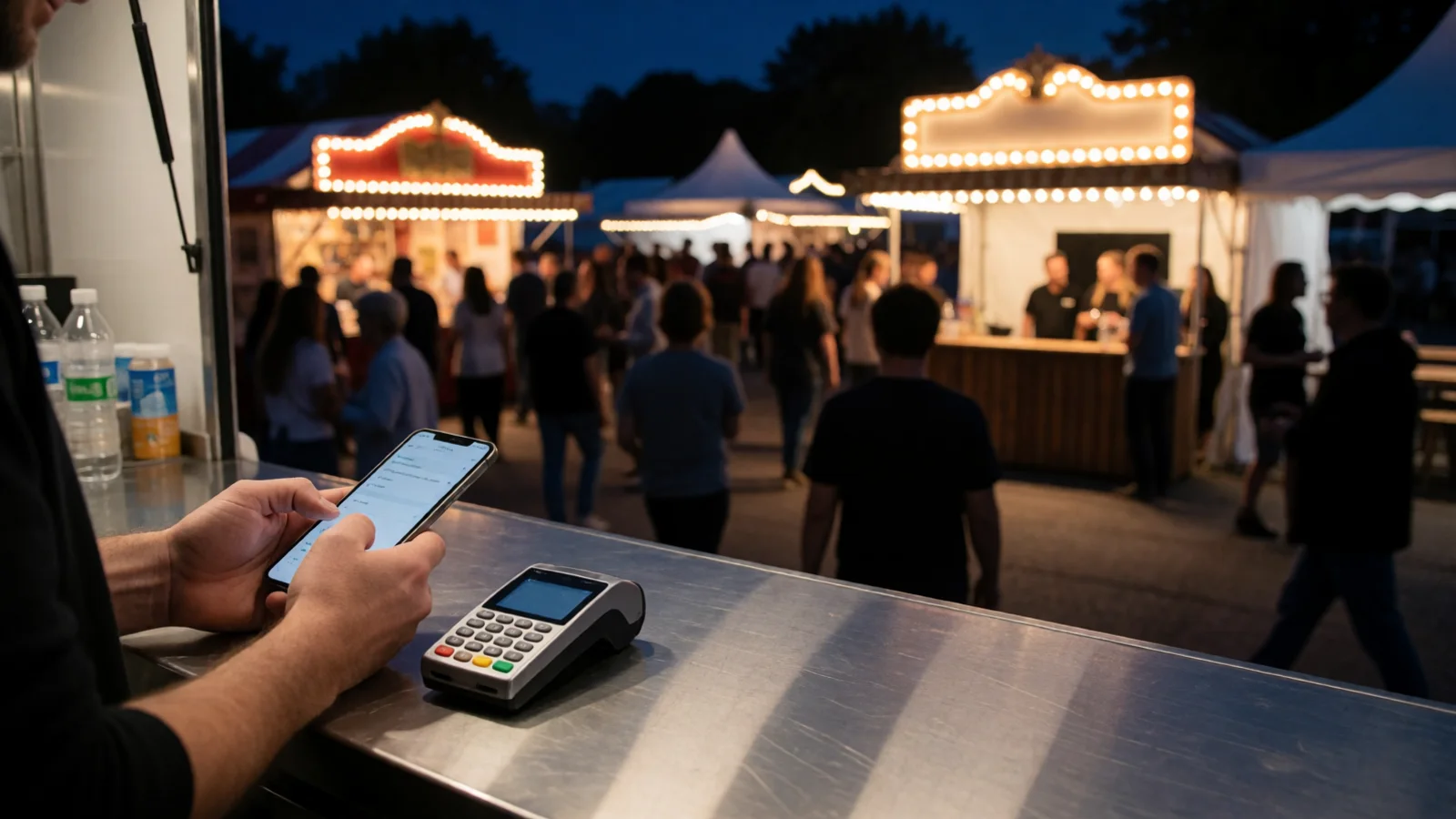
Affordable Mobile POS for Food Vendors at Events Australia
Affordable mobile POS for food vendors at events Australia: tap-and-go, offline mode, low fees. Compare setups and get started today.
Summary
Affordable mobile POS for food vendors at events Australia: tap-and-go, offline mode, low fees. Compare setups and get started today
Affordable mobile POS for food vendors at events Australia means running tap-and-go card payments from a phone or tablet for a low monthly cost, with no lock-in contract, offline mode for patchy mobile coverage, and transaction fees typically between 1.4% and 1.9%. For most food stalls and food trucks, a mobile POS on your own device plus a Bluetooth card reader is the cheapest practical setup — you avoid a $1,000-plus counter terminal, keep your queue moving, and get live sales totals that match your end-of-day reconciliation.
If you're a food vendor doing the rounds of farmers markets, community festivals and night markets, you already know the drill. The queue builds at 11:30am, someone's holding up a card, and your EFTPOS machine decides now is the moment to lose signal. The good news is that the cost of getting this right has dropped dramatically in the last few years. You no longer need a full counter system or a merchant account with a bank to take cards at a stall.
This guide breaks down what affordable mobile POS actually costs in Australia, how it compares to cashless terminals and cash, what the ACCC and card scheme rules mean for surcharging, and how to pick a setup that survives a windy day at the showgrounds. We'll also look at where a purpose-built platform like Evntle fits into the picture, especially if you're juggling stallholder bookings, ticketing and POS in the same weekend.
Affordable Mobile POS for Food Vendors at Events Australia
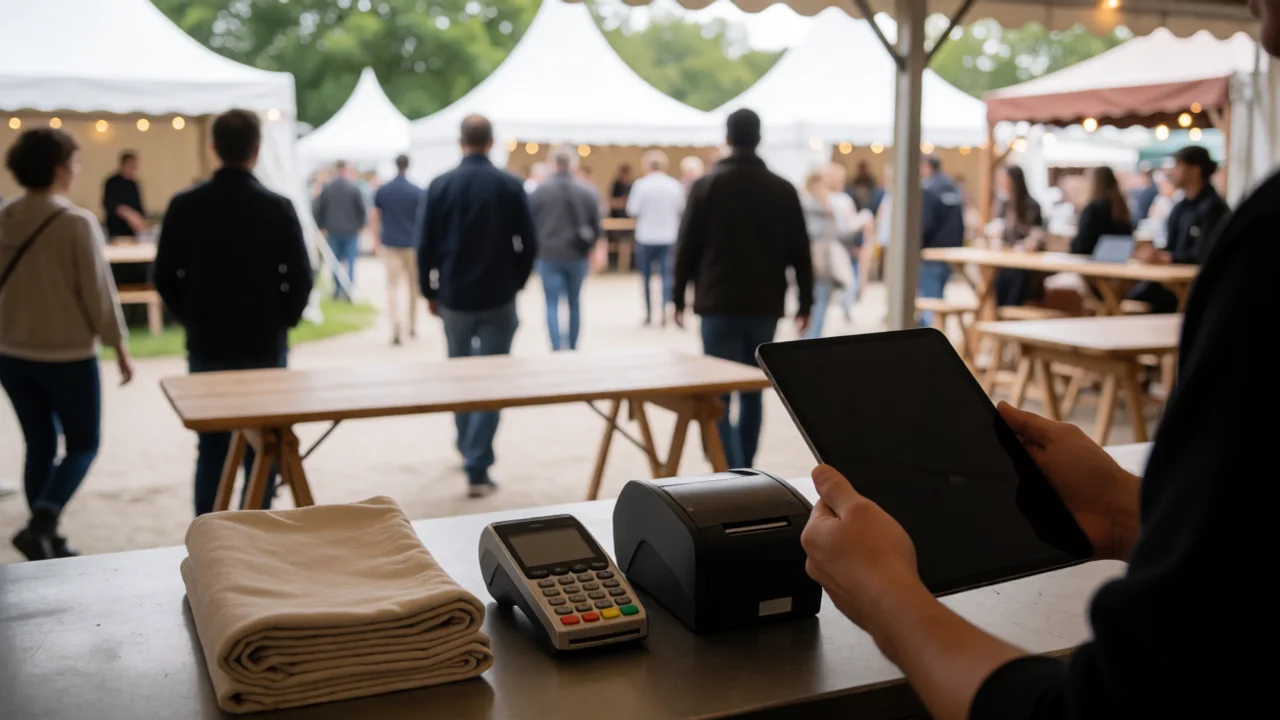
Mobile POS is a point-of-sale app that runs on hardware you already own — a phone, a tablet or a laptop — paired with a card reader for tap-and-go payments. For food vendors at events in Australia, that usually means an iPad or Android tablet on the counter, a Bluetooth EFTPOS reader in your hand, and a receipt printer if you need one.
It is not the same as a traditional cashless terminal. A cashless terminal is a dedicated EFTPOS machine supplied by a bank or payment provider, often under a multi-year contract, with a fixed monthly rental. A mobile POS is software-led: the app handles the menu, the order, the modifiers, the docket and the sales report, and the card reader just does the payment step.
How does mobile POS differ from a cashless terminal?
The core difference is flexibility and cost. A cashless terminal locks you into one payment provider and one piece of hardware. A mobile POS lets you run the same app on a $400 tablet at one event and a $250 phone at another, and swap card readers if you change providers.
| Feature | Mobile POS | Traditional cashless terminal |
|---|---|---|
| Hardware cost | $0–$600 (use your own device) | $300–$1,200 plus monthly rental |
| Contract | Month-to-month, usually no lock-in | 12–36 month terms common |
| Transaction fee | 1.4%–1.9% typical | 1.5%–2.5% plus terminal rental |
| Offline mode | Standard in most apps | Varies; often limited |
| Menu and modifiers | Built into the app | Usually not supported |
| Sales reporting | Live dashboard, end-of-day summary | Basic batch totals |
If you already own a tablet, your hardware cost for mobile POS is effectively zero. That's the single biggest saving over a cashless terminal — you're paying for software and transaction fees, not a box.
How Much Does a Mobile POS Cost for a Food Stall in Australia?
For a typical food stall, expect to pay $0 to $49 per month for the POS app and 1.4% to 1.9% per card transaction. Add a Bluetooth card reader at $50 to $150 one-off if you don't already have one. That's it. There's no terminal rental, no setup fee and usually no lock-in contract.
Compare that to a bank-supplied cashless terminal, which might cost $30 to $60 per month in rental alone before you've taken a single payment. Over a 12-month season, the mobile POS route typically saves a food vendor $400 to $900 in fixed costs — money that goes straight back into stock, gas or a better marquee.
What's the best EFTPOS for a food truck in Australia?
For most food trucks, the best EFTPOS setup is a mobile POS app paired with a Bluetooth card reader from a provider like Zeller, Square or Tyro. These readers connect to your tablet or phone over Bluetooth, accept tap-and-go, chip and insert, and settle to your bank account in one to two business days.
The key is to choose a reader that supports offline mode. When you're parked at a showground with one bar of signal, the reader needs to queue the transaction and process it when the connection returns. Not all readers do this well, so test it before you commit to a big event.
| Setup | Upfront cost | Monthly cost | Per-transaction fee | Best for |
|---|---|---|---|---|
| Phone + Bluetooth reader + free POS app | $50–$150 | $0 | 1.6%–2.2% | Weekend markets, low volume |
| Tablet + reader + paid POS app | $400–$700 | $20–$49 | 1.4%–1.9% | Food trucks, regular events |
| Dual tablet + 2 readers + POS | $800–$1,400 | $49–$99 | 1.4%–1.9% | High-volume festivals, two queues |
| Bank cashless terminal | $300–$1,200 | $30–$60 rental | 1.5%–2.5% | Fixed shopfronts |
"The cheapest mobile POS is the one you already own the hardware for. A tablet and a $99 reader will out-earn a $1,200 terminal at any weekend market."
— Evntle vendor operations team
Why Should Food Vendors Choose Mobile POS at Australian Events?
Australia is one of the most card-dependent markets in the world. According to the Reserve Bank of Australia, debit and credit cards accounted for around 75% of consumer payments by value in recent years, and cash now makes up less than 15% of transactions. At a weekend market, that means if you're cash-only, you're turning away three out of every four potential sales.
Mobile POS fixes that without the cost of a traditional terminal. It also gives you three things a cash box can't:
- Speed. Tap-and-go takes about two seconds. Counting change takes thirty.
- Accuracy. Every sale is recorded, so your end-of-day total matches your bank deposit.
- Data. You can see which items sell best, which hours are busiest, and what your average order value is.
How do I keep sales moving when the queue is long?
Run two devices if you can. A tablet on the counter for card payments and a phone in your hand for taking orders at the front of the queue. With a system like Evntle POS (https://evntle.com/articles/payment-gateway), both devices sync in real time, so an order taken on the phone appears on the kitchen display instantly. That's the difference between a queue that moves and a queue that walks away.
If you're running a food truck with a small window, a kitchen display system is worth considering. Evntle's KDS shows incoming orders, flags allergens and lets you bump orders as they're served — no paper dockets blowing into the bin.
How Do You Handle Connectivity and Offline Payments at Events?
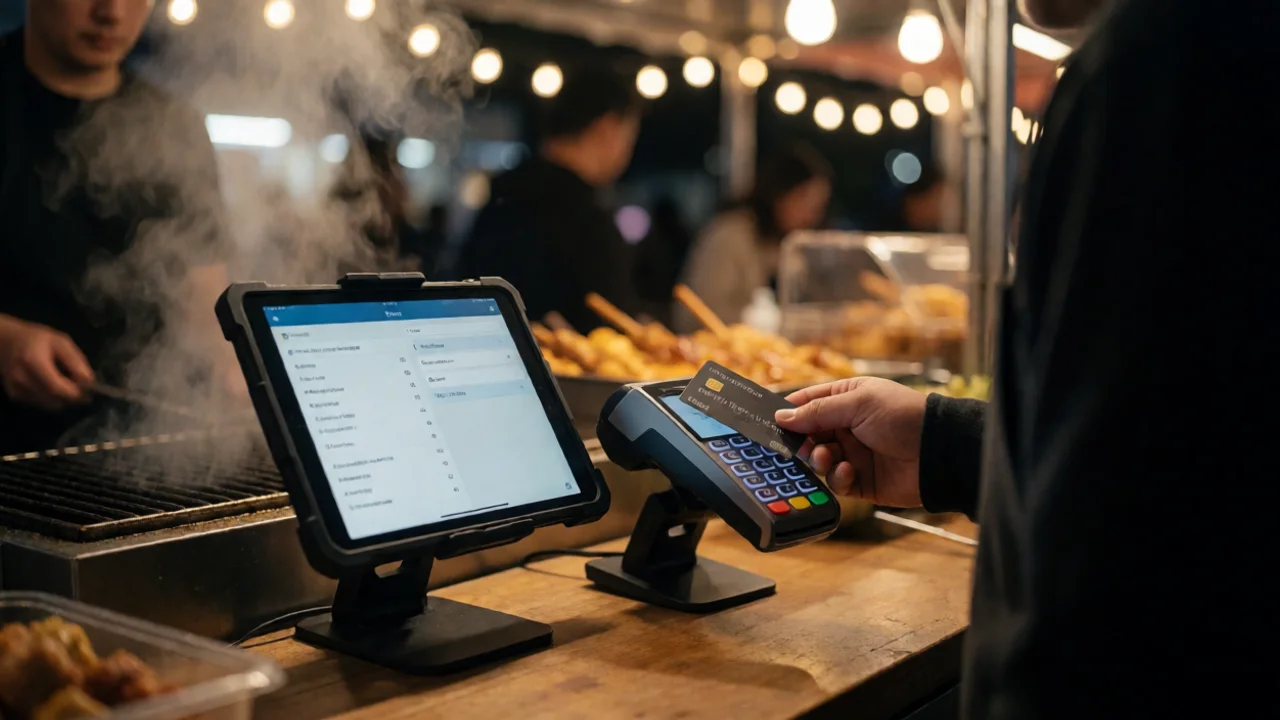
Offline mode is non-negotiable for Australian outdoor events. Showgrounds, parks, beaches and regional towns regularly have patchy mobile coverage, and a POS that stops working when the signal drops is worse than a cash box. The best mobile POS apps store transactions locally and sync them when the connection returns.
Here's how to test offline mode before you commit to a big event:
- Turn on airplane mode on your tablet.
- Process a test transaction with your card reader.
- Check that the sale appears in the app and prints a receipt.
- Turn airplane mode off and confirm the transaction syncs to your dashboard.
Offline mode has limits. Most providers cap the value or number of offline transactions for fraud protection. Check the cap before a high-volume event — a $5,000 cap is fine for a market but not for a three-day festival.
It also pays to have a backup. A second card reader, a power bank and a spare SIM on a different network will get you out of most connectivity jams. If you're running a multi-vendor event, it's worth checking that your organiser's platform — like Evntle Vendor Management (https://evntle.com/articles/attendee-management) — collects each vendor's connectivity plan as part of the application, so you know who's prepared.
What Are the Australian Compliance Rules for Mobile POS at Events?
Running a mobile POS at an Australian event comes with a few compliance obligations that are easy to overlook. The big ones are surcharging, GST and record-keeping, and food business registration.
Can I surcharge card payments at my stall?
Yes, but only up to your actual cost of acceptance. The ACCC and the Reserve Bank of Australia ban surcharges that exceed the cost of processing the payment. If your card fee is 1.5%, you can't surcharge 2%. Most food vendors choose to absorb the fee rather than risk a complaint — it's simpler and customers prefer it.
What records do I need to keep?
You need to keep transaction records for five years for tax purposes. A mobile POS with a live dashboard and end-of-day summaries makes this easy. Export a CSV at the end of each event and file it with your GST records. If you're not sure which accounting setup pairs best with your POS, accounting software (https://evntle.com/articles/accounting-software) is a good place to start — the right integration saves hours at tax time.
Do I need a food business registration?
Yes. Every food stall in Australia must be registered with the local council in the area where the event is held, and you'll usually need a temporary food premises notification for each event. Many councils now require you to upload your certificate and public liability insurance as part of the vendor application. A platform like Evntle's vendor portal collects these documents up front, so you're not chasing paperwork the week before the event.
| Compliance item | Who it applies to | Where to check |
|---|---|---|
| Card surcharge cap | All vendors taking cards | ACCC / RBA surcharging rules |
| GST record-keeping (5 years) | Vendors registered for GST | ATO record-keeping requirements |
| Food business registration | All food stalls | Local council / state health department |
| Public liability insurance | Most event vendors | Event organiser's vendor agreement |
| Temporary food premises notification | Food vendors at events | Local council environmental health team |
Council requirements vary by state and sometimes by council. A stall that's fine in one shire may need an extra form in the next. Always check the specific council's temporary food premises page before you pay your stall fee.
How Do You Choose the Best Mobile POS for Your Stall?
The best mobile POS for a food vendor is the one that matches your event calendar and your queue. If you do two markets a month, a free app and a $99 reader will do the job. If you're doing 30 events a year with a food truck and a second staff member, you want a system that handles menus, modifiers, allergens, staff accounts and end-of-day reconciliation.
Here's a practical checklist:
- Offline mode: tested and confirmed.
- Menu and modifiers: supports sizes, extras and dietary flags.
- Allergen alerts: prominent on the item card and the order cart.
- Staff accounts: separate logins for casuals, with shift tracking.
- Reporting: live totals, top sellers, peak-hour heatmap.
- Hardware flexibility: runs on phone, tablet or desktop.
- Support: Australian-based or at least Australian hours.
If you're also an organiser running the event, the picture is bigger. You need stallholder bookings, ticketing, check-in and POS in one place. That's where a platform like Evntle (https://evntle.com/articles/software-advice) earns its keep — vendor applications, site allocation, ticketing and POS all share the same data, so you're not reconciling three spreadsheets on Monday morning.
Frequently Asked Questions
How much does a mobile POS cost for a food stall?
A mobile POS for a food stall typically costs $0 to $49 per month for the app, plus 1.4% to 1.9% per card transaction. A Bluetooth card reader is a one-off $50 to $150. There's usually no lock-in contract, so you can scale up for festival season and scale back in winter.
What's the best EFTPOS for a food truck in Australia?
The best EFTPOS for a food truck is a mobile POS app paired with a Bluetooth reader from Zeller, Square or Tyro. Look for offline mode, tap-and-go, and a reader that pairs reliably with your tablet. Test it in airplane mode before your first big event.
Can I run a mobile POS without internet at an event?
Yes, most mobile POS apps support offline mode, which stores transactions locally and syncs when the connection returns. Check your provider's offline cap — some limit the value or number of offline transactions for fraud protection.
Do I need a cashless terminal or is mobile POS enough?
For most food vendors, mobile POS is enough. A cashless terminal is only worth it if you have a fixed shopfront and want a dedicated machine. At events, mobile POS is cheaper, more flexible and gives you better reporting.
How do I handle GST and record-keeping with mobile POS?
Export a CSV of transactions at the end of each event and keep it for five years. A POS with a live dashboard and end-of-day summary makes this straightforward. Pair it with accounting software that imports your POS data automatically.
Can I surcharge customers for card payments at my stall?
You can surcharge up to your actual cost of acceptance, but not more. If your card fee is 1.5%, you can't surcharge 2%. Most food vendors absorb the fee because it's simpler and customers prefer it.
Affordable mobile POS for food vendors at events Australia comes down to three things: use hardware you already own, pick a provider with real offline mode, and keep your transaction fees under 2%. Get those right and you'll take more cards, move queues faster and finish every event with a sales report that actually matches your bank account. If you want to see how POS, stallholder bookings and ticketing work together, book a live demo (https://evntle.com/articles/software-development) — no signup required.
Related reading: Software Advice for Event Organisers and Vendors in Australia.
More from Evntle
AI SEO Backlink Outreach Automation for Events
AI SEO backlink outreach automation for Australian event organisers: find targets, pitch, follow up and rank higher. Start your outreach today.
AI SEO Automation vs Hiring an SEO Agency: Event Guide
AI SEO automation vs hiring an SEO agency: compare 2025 costs and trade-offs for Australian event organisers. Find the right mix — read now.
Affordable Event Management Software for Small Events
Affordable event management software for small events: vendor management, POS and compliance from $0. Start free today.
AI SEO Automation Software for Small Business: Event Guide
AI SEO automation software for small business: costs, tools and workflow for Aussie event organisers. Book your free audit today.
📋 Embed this feed on your website:
<script src="https://maylalabs.com/api/embed?api_key=mayla_site_f1cb1e95fff884263b19125c9f830c929bc45b4d&limit=5" defer></script>