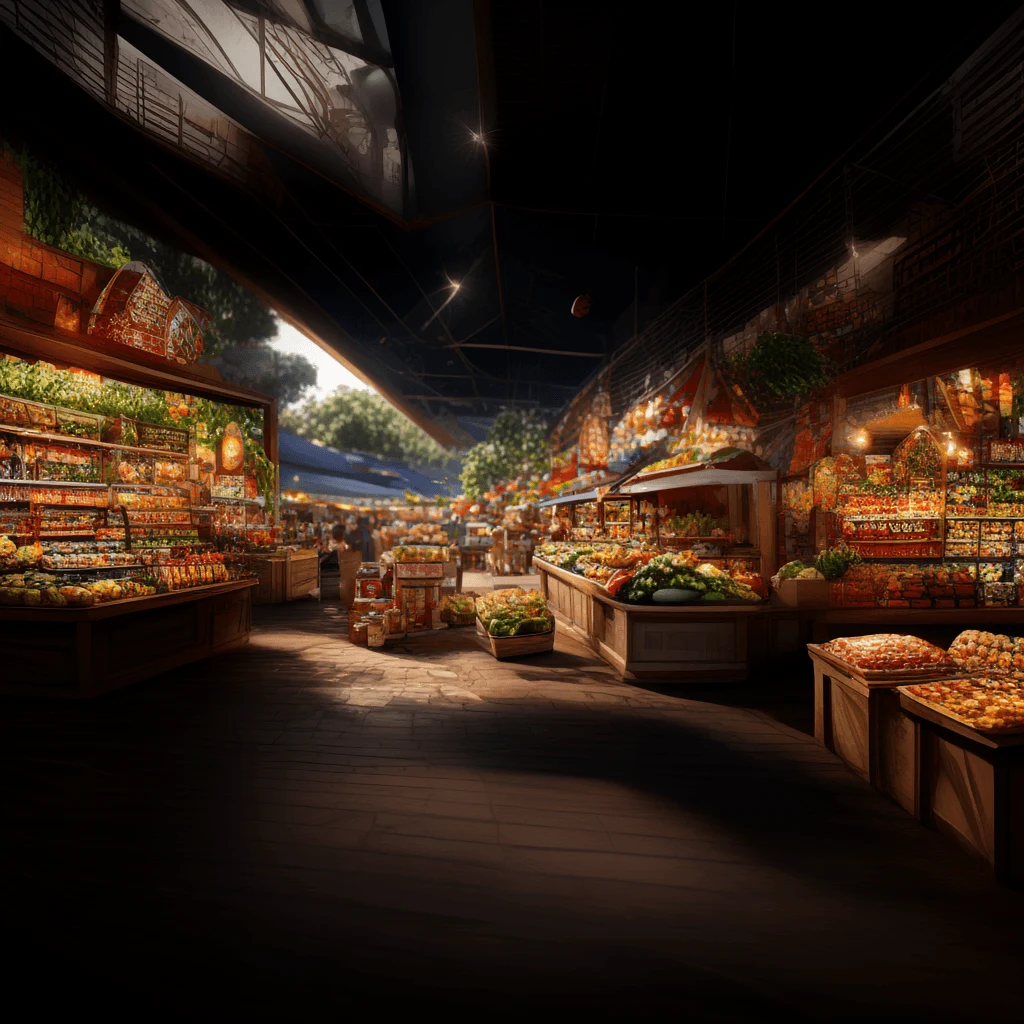
Things to Do at Australian Markets: Event Software Guide
Top things to do at Aussie markets: master event software, POS, vendor ops & loyalty. Cut admin, grow revenue. Start free today.
Summary
Top things to do at Aussie markets: master event software, POS, vendor ops & loyalty. Cut admin, grow revenue. Start free today
The best things to do at any Australian market or festival come down to three things: discover the event, get in and out fast with reliable payments, and turn a one-off visit into a repeat habit. Event management software makes all three happen by connecting vendor applications, site plans, POS, loyalty, and event discovery into one system. Whether you run a volunteer-run farmers market or a 200-stall food festival, the practical answer is the same — pick tools that cut admin, speed up service, and grow revenue without adding complexity.
That's the short version. The long version is what this guide is for. We'll walk through the actual things to do — for organisers, for stallholders, and for attendees — and show you where most markets leak time and money. According to the Australian Bureau of Statistics, small businesses make up around 97% of all Australian businesses, and a huge chunk of those operate at markets, fairs, and pop-ups. Every minute they spend on paperwork is a minute not spent selling. Let's fix that.
Event Management Software: The Backbone of Things to Do at Any Market
Every decision you make as an organiser — who gets a stall, where they sit, how they get paid, how you report on the day — flows through your event management software. Get it right and the whole event runs smoother. Get it wrong and you're juggling spreadsheets, paper forms, and a group chat that never stops pinging.
An all-in-one Event Management Platform replaces that mess. Instead of five disconnected tools, you get one system for ticketing, vendor management, POS, check-in, and reporting. That matters because the average market organiser spends 8–12 hours a week on admin during peak season, according to industry benchmarking from the Australian Market and Farmers' Market Association. Cutting that in half is a genuine competitive advantage.
What to look for in event management software
- Vendor applications and approvals — accept sign-ups, review, approve or decline, and manage a waitlist without email chains.
- Site planning and bump-in — map stalls, assign parking, and track arrivals in real time.
- POS that works on any device — cash, card, split payments, and thermal receipts, synced across phones, tablets, and desktops.
- Reporting — live revenue dashboards, top-selling items, and end-of-day summaries.
- Event discovery — a public listing that helps attendees find you in the first place.
Start with a free account and run one event end-to-end before you commit to a paid tier. You'll learn more in one market day than in a month of demos.
If you want a deeper walkthrough of what a discovery layer should actually do, our guide on what an event discovery platform should do breaks it down step by step.
Vendor and Stallholder Operations: The Things to Do Before Bump-In
Good stallholder operations are invisible to attendees. Bad ones are obvious — empty stalls, late arrivals, tangled power leads, and a queue at the gate because nobody knows where to park.
The fix is a repeatable workflow. Applications come in through a portal, not a shared inbox. Approvals happen against clear criteria. Offers go out with site numbers, fees, and bump-in windows attached. Vendors upload their insurance and food safety certificates once, and the system nags them if anything expires. On event day, check-in is a QR scan, not a clipboard.
A practical vendor onboarding workflow
- Publish your application form with categories, fees, and required documents.
- Review applications in staged rounds — returning vendors first, then new applicants.
- Send offers with site numbers, bump-in times, and payment links.
- Collect insurance, food safety, and licence documents automatically.
- Assign parking passes and stall locations on the site map.
- Check vendors in on arrival with a QR scan and log bump-in times.
Our detailed guide on how to organise vendor applications covers the screening criteria and staged review process in full. If you're running a recurring market, the guide to recurring market operations is worth bookmarking too.
| Task | Manual / Spreadsheet | Event Management Software |
|---|---|---|
| Vendor applications | Email + spreadsheet, 3–5 hrs/week | Portal with auto-screening, under 1 hr/week |
| Document collection | Manual chasing, frequent gaps | Automated reminders, expiry alerts |
| Site plan changes | Redraw in Excel, version chaos | Drag-and-drop map, live updates |
| Bump-in tracking | Clipboard and radio calls | QR check-in, real-time dashboard |
| End-of-day reporting | Manual tally, next-day delay | Live dashboard, instant summary |
POS for Events: Where the Money Actually Moves
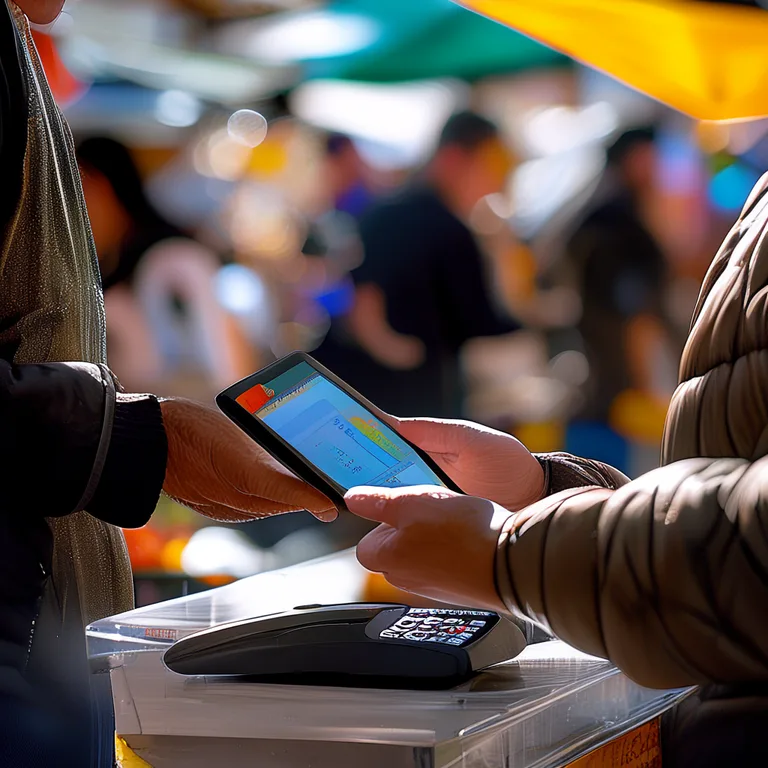
Here's the hard truth: if your POS is slow, your stall sales drop. A queue of eight people at a food truck is a queue of six by the time the first one pays with cash and the second one can't find their card. Speed is revenue.
A proper POS System for Market Stalls handles cash, card, and contactless in one flow. It supports split payments, runs on phones and tablets, prints thermal receipts, and syncs across devices in real time. That last point matters more than most organisers realise — if the front-of-house tablet and the kitchen display aren't talking, orders get lost and customers get grumpy.
"The difference between a market that feels busy and a market that feels chaotic is usually about 15 seconds per transaction."
— Evntle operations team
What a market-ready POS needs
- Cash, card (including Zeller EFTPOS), and split payments
- Training mode so new staff can practise without live orders
- Thermal receipt printing via Bluetooth
- Multi-device sync across POS, KDS, and customer displays
- Offline resilience for patchy mobile coverage
According to the Reserve Bank of Australia, cash now accounts for around 13% of in-person transactions, down from 27% in 2019. If your stall is still cash-first, you're turning away customers who only carry a phone.
Market and Festival Planning: Site Plans, Bump-In, and Live Ops
Planning a market is 20% creative vision and 80% logistics. The site plan decides how people flow, where queues form, and whether vendors can actually reach their stalls with a trolley at 6am.
Good site planning software lets you drag stalls onto a map, assign parking zones, set bump-in windows, and push updates to vendors instantly when something changes. When a stallholder cancels the night before, you're not redrawing a spreadsheet — you're moving one block and notifying the waitlist.
The three phases of market day
- Bump-in (5am–8am): QR check-ins, parking passes, site assignments, and incident logging.
- Live ops (8am–4pm): POS transactions, order alerts, crowd density checks, and staff shift tracking.
- Bump-out (4pm–6pm): Vendor departure logs, waste checks, and end-of-day reconciliation.
Our guide to event floor layouts goes deep on stall placement, queue management, and the layout patterns that consistently lift sales. If you're running a farmers market specifically, the how to manage a farmers market guide is the one to read next.
| Event Type | Typical Stall Count | Peak Attendees | Key Operational Pressure |
|---|---|---|---|
| Community farmers market | 20–40 | 800–2,500 | Bump-in congestion, parking |
| Night market | 40–80 | 3,000–8,000 | POS speed, queue flow |
| Food festival | 60–150 | 10,000–30,000 | Power, waste, crowd density |
| Craft fair | 30–60 | 1,500–4,000 | Vendor mix, discovery |
| Gaming convention | 50–200 | 5,000–20,000 | Check-in, ticketing, security |
Australian Event Grants, Food Safety, and Compliance
Money and rules — the two things organisers ask about most. Let's handle both.
Event grants and funding in Australia
There's more grant money available than most organisers realise. Local councils, state tourism bodies, and federal programs all fund community events, and the amounts range from a few thousand dollars to six figures. The catch is the paperwork — acquittals, budgets, and reporting that has to line up exactly.
According to the Australian Government's GrantConnect data, more than $1.2 billion in event, tourism, and community grants is distributed annually across federal, state, and local programs. The organisers who win them are the ones with clean financial records and clear attendance data. If your reporting is a mess, you're invisible to funders.
Grant acquittals usually require attendance figures, vendor lists, and financial summaries within 60–90 days of the event. If you're still tallying spreadsheets three months later, you'll miss the window.
Food safety and compliance for market vendors
Every food stall in Australia operates under Food Standards Australia New Zealand (FSANZ) rules, enforced by state health departments and local councils. That means temperature logs, allergen declarations, handwashing facilities, and food handler training records. Most councils require these to be available on-site during inspection.
Digital compliance tools make this painless. Vendors upload certificates once, the system tracks expiry dates, and organisers can see at a glance who's compliant and who isn't. For a deeper dive, see our food safety compliance for market vendors in Australia guide.
Event Discovery, Vendor Storefronts, and Loyalty
The final piece of the puzzle is the one most organisers ignore: what happens after the market closes. A one-off visit is worth one transaction. A loyal customer is worth twenty.
Event discovery that actually drives foot traffic
An Event Discovery Platform lets attendees filter markets by location, date, and type — farmers markets, night markets, craft fairs, gaming conventions, car shows. Vendors get previewed before the day, so shoppers arrive with a plan. That planning behaviour is measurable: events with public vendor previews typically see 20–30% higher average spend per attendee, because people arrive knowing what they want.
Vendor storefronts that convert browsers into buyers
A Vendor Storefront gives every stallholder a permanent subdomain — a menu, products, reviews, and contact details that live beyond the event day. Share the link on socials, print it on receipts, and the customer can reorder or find you at your next market.
Loyalty that brings people back
Digital loyalty tied to your POS is the simplest retention play available. Every transaction auto-tracks the customer, logs their visit, and rewards repeat spend. No paper cards, no manual entry. Our loyalty program for market stalls guide shows exactly how to set one up.
"Markets don't grow by adding more stalls. They grow by making the same customer come back one more time."
— Evntle vendor insights
Frequently Asked Questions
Q: What's the best software for running a market stall in Australia?
A: The best setup combines a mobile POS that handles cash and card, a vendor storefront for repeat sales, and a loyalty program tied to your transactions. Evntle's Starter plan covers all three for most stallholders, with unlimited devices on Pro.
Q: How do I organise vendor applications without drowning in emails?
A: Use a vendor application portal with staged review rounds. Publish clear criteria, collect documents automatically, and manage a waitlist for popular events. This cuts admin from hours per week to under an hour.
Q: How much do Australian event grants typically pay?
A: Community event grants range from $2,000 to $50,000, while larger tourism and festival grants can exceed $100,000. GrantConnect data shows over $1.2 billion distributed annually across federal, state, and local programs.
Q: What food safety rules apply to market vendors in Australia?
A: All food stalls must comply with FSANZ standards enforced by state health departments and local councils. That includes temperature logs, allergen declarations, food handler training, and handwashing facilities available on-site during inspection.
Q: Why should I use event management software instead of spreadsheets?
A: Spreadsheets don't sync, don't track bump-in in real time, and don't talk to your POS. Event management software connects applications, site plans, payments, and reporting in one place — which saves 8–12 hours of admin per week during peak season.
Q: How do I get more attendees to my market?
A: List your event on an event discovery platform, give vendors public storefronts so shoppers can preview stalls, and run a digital loyalty program to bring people back. Previewed events see 20–30% higher average spend per attendee.
The things to do at Australian markets aren't complicated — they're just easy to get wrong. Discover the event properly, run vendor operations on a portal instead of an inbox, use a POS that keeps queues moving, plan the site before bump-in, stay compliant and grant-ready, and give customers a reason to come back. Do those six things and your market will outperform most of the competition. Start with a free account, run one event end-to-end, and let the data tell you where to improve next.
More from Evntle
AI SEO Agent vs Traditional SEO Agency for Events
AI SEO agent vs traditional SEO agency for events: cost, speed and results compared. Find the right fit for your market — read the guide now.
AI SEO Agent for Small Business: Event Growth Guide
Discover how an AI SEO agent for small business helps Australian event organisers rank higher, sell more and stress less. Book your Evntle demo today.

AI Marketing Automation Software for Aussie Events
AI marketing automation software for Australian event organisers. Fill stalls, sell tickets, automate vendor comms. Sign up free with Evntle today.

AI Content Automation That Ranks in Google and AI Search
Ai content automation that ranks in google and ai search — Learn how AI content automation ranks in Google & AI search for events Learn more today.
📋 Embed this feed on your website:
<script src="https://maylalabs.com/api/embed?api_key=mayla_site_f1cb1e95fff884263b19125c9f830c929bc45b4d&limit=5" defer></script>