
Business Software for Events: Australian Market Guide 2026
Business software for events: manage stallholders, site plans, POS, payments and compliance. See how Evntle saves Australian organisers.
Summary
Business software for events: manage stallholders, site plans, POS, payments and compliance. See how Evntle saves Australian organisers
The best business software for events is an all-in-one platform that handles vendor applications, site planning, POS, cashless payments, compliance and reporting in one place. For Australian market and festival organisers running 20–200+ stallholders, spreadsheets and email threads stop working somewhere around 60 vendors. That's when you need software that works on event day, on any device, without a steep learning curve. This guide breaks down exactly what to look for, what it costs, and how to run a market without chaos.
If you're a time-poor organiser juggling paper forms, payment chasing and site allocation spreadsheets, this is for you. We'll cover event-day operations, vendor onboarding, stallholder payments, site planning, cashless checkout, incident management and the analytics that actually improve your next market day.
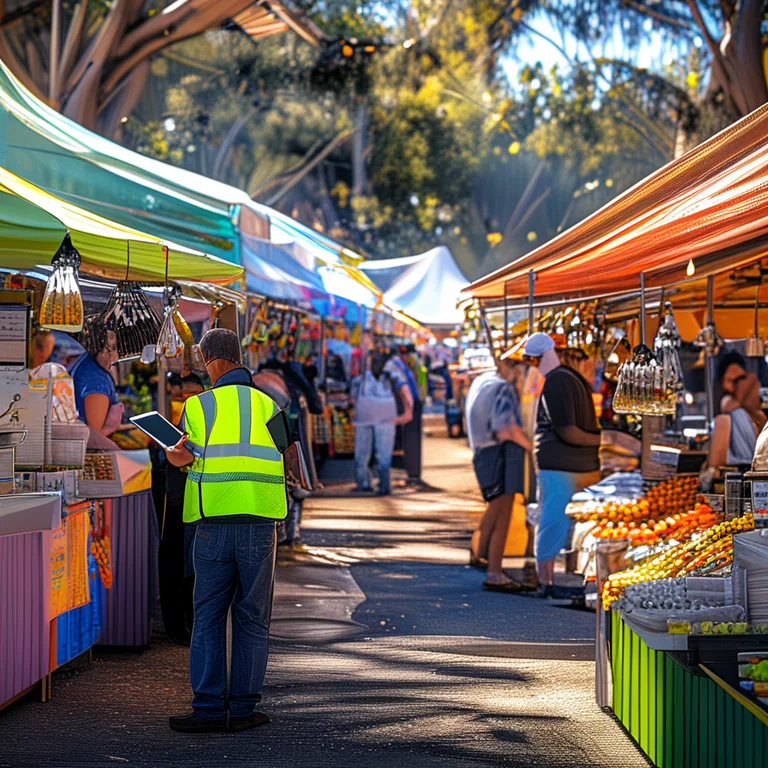
What Is Business Software for Events and Why Do Australian Organisers Need It?
Business software for events is purpose-built software that runs the commercial and operational side of a live event — from the moment a vendor applies, right through to bump-out and end-of-event reporting. It replaces the tangle of spreadsheets, inboxes and paper forms that most organisers start with.
Why does it matter? Because manual processes break at scale. According to a 2023 report by the Australian Small Business and Family Enterprise Ombudsman (ASBFEO), small businesses spend an average of 15 hours per week on administrative tasks — and event organisers feel that pain twice over, managing both their own admin and their vendors'.
Here's what changes when you move to proper event business software:
- Vendor applications come in through one structured pipeline instead of scattered emails.
- Site plans update live as you allocate stalls, so you're never working from an outdated map.
- Payments for stall fees, deposits and balances are tracked automatically.
- Event-day operations — POS, order boards, bump-in and bump-out — run on any phone, tablet or desktop.
- Compliance documents, incident logs and council requirements stay in one auditable place.
If it manages vendors, stallholders, site plans, POS, payments, incidents or reporting for a live event, it's event business software. Ticketing-only tools don't count — they miss the vendor and operations layer entirely.
How do I know if my market has outgrown spreadsheets?
You've outgrown spreadsheets when any of these are true:
- You're manually copying vendor details between a spreadsheet and an email thread.
- You've double-booked a stall site, or nearly have.
- You're chasing stall fee payments one by one.
- You can't tell on event morning which vendors have arrived and which haven't.
- You're compiling end-of-event reports by hand.
Any two of those and you're losing hours every market day. All five and you're losing money too.
Event-Day Operations: POS, KDS, Order Boards and Bump-In/Bump-Out
Event day is where business software earns its keep. The right platform keeps queues moving, orders flowing and vendors arriving on schedule.
What's the best POS for a market stall in Australia?
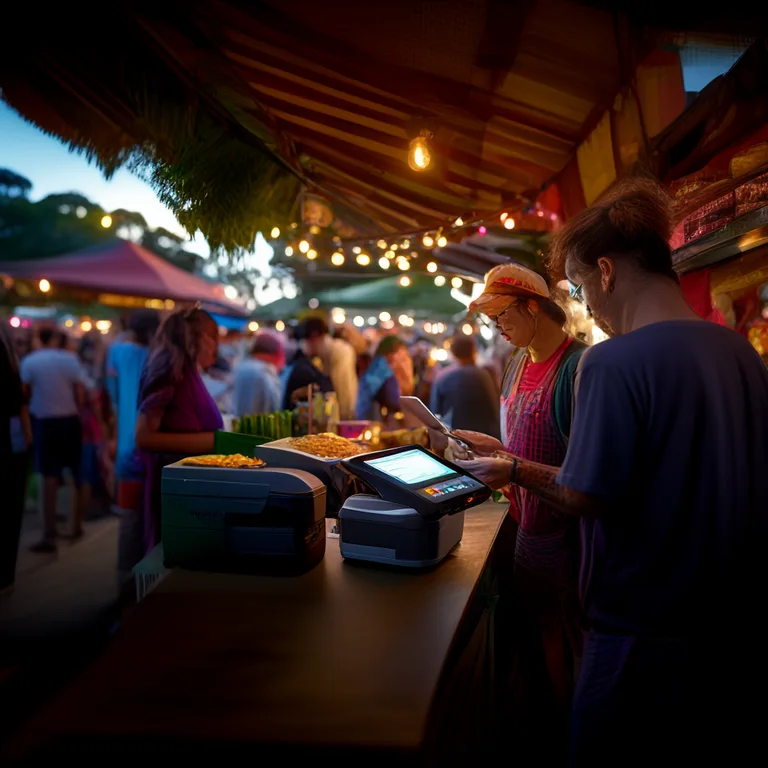
The best POS for a market stall is one that runs on any device you already own, accepts cash and card, and works when the mobile signal drops. Evntle POS runs on phones, tablets and desktops, supports Zeller EFTPOS for Australian card payments, prints receipts via Bluetooth thermal printer, and tracks sales in real time. It also includes split payments, training mode, sound notifications and a customer-facing display.
For food vendors, Evntle KDS (Kitchen Display System) replaces paper dockets with a live kitchen display, and the Evntle Order Board keeps customers informed while they wait. That combination alone can cut queue times significantly — and shorter queues mean more sales.
How do I manage bump-in and bump-out without chaos?
Bump-in and bump-out is where events fall apart fastest. Vendors arrive at the same time, parking fills up, and nobody knows which site is which. Evntle Bump-in and Bump-out tracks vendor arrivals against scheduled bump-in windows, manages site assignments, and processes bump-outs in real time. Notifications and alerts keep your team informed as the morning unfolds.
Stagger bump-in windows by 15-minute blocks and assign parking passes in advance. It's the single cheapest way to reduce event-morning congestion.
Vendor Management and Onboarding Workflows That Actually Work
Vendor management is the backbone of every market. Get it right and everything downstream — site plans, payments, compliance — runs smoothly. Get it wrong and you're firefighting every week.
How do I organise vendor applications without chaos?
You organise vendor applications by moving them into a single structured pipeline. Evntle Vendor Applications accepts vendor sign-ups, reviews applications, approves or declines, and assigns stall locations — all in one place. Popular events can keep a waitlist so sites never sit empty.
Onboarding continues through the Evntle Vendor Portal, where vendors upload compliance documents, update their details and see their stall assignment without emailing you. For a deeper walkthrough, see our guide to stallholder booking software in Australia.
What documents should I collect from every stallholder?
Australian markets typically need the following from each stallholder:
| Document | Who needs it | Why it matters |
|---|---|---|
| Public liability insurance (min. $10M–$20M) | All vendors | Council and venue requirement |
| Food business registration / notification | Food vendors | State health regulation |
| Food Safety Supervisor certificate | Food vendors | Mandatory in most states |
| Working with Children Check | Vendors with staff under 18 | State legislation |
| Stallholder agreement (signed) | All vendors | Sets terms, fees and conduct |
Evntle Vendor Management stores all of this against each vendor record, so you can see at a glance who's compliant and who isn't — before event day, not on it.
Site Planning, Stall Allocation and Live Event Logistics
Site planning is the difference between a market that flows and one that jams. Business software for events should tie your site plan directly to bookings, so allocations update live as you approve vendors.
How do I assign stalls at events without chaos?
You assign stalls by working from a live site plan, not a static PDF. Evntle Site Planning lets you plan stall layouts, assign parking passes, manage bump-in and bump-out schedules, and track vendor arrivals in real time. When a vendor cancels, the site frees up instantly and you can pull from your waitlist.
"The site plan is the single source of truth on event day. If it's not live, it's already wrong."
— Evntle market operations team
For more on getting this right, see our guide to event floor layouts that drive sales.
Cashless Payments, Mobile Checkout and Vendor Storefronts
Cash is fading fast at Australian markets. According to the Reserve Bank of Australia's 2022 Consumer Payments Survey, cash accounted for just 13% of in-person transactions — down from 27% in 2019. If your vendors aren't set up for cashless, they're leaving sales on the table.
Can markets accept contactless payments?
Yes — and most already do. Evntle Cashless Payments supports Zeller EFTPOS on any device, so a vendor can take tap-and-go payments from a phone. Evntle Mobile Checkout lets stallholders roam the market with a tablet and take orders without a fixed counter.
What's the best way for vendors to sell before and after an event?
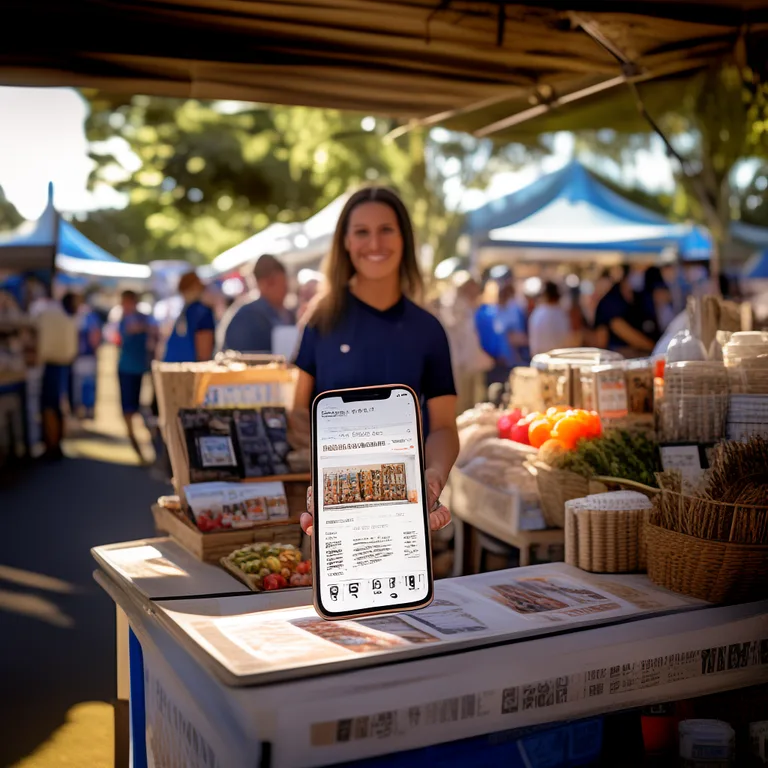
Every vendor on Evntle gets a Vendor Storefront at a custom subdomain (yourname.evntle.com) with products, menu, reviews and contact details. Customers can browse before the market, order during it, and come back afterwards. QR codes on stall signage link straight to the storefront.
For a full comparison of payment options, see cashless terminals vs mobile POS for events.
Incident Management, Compliance and Analytics for Events
Compliance and incident management aren't glamorous, but they're non-negotiable — especially for council-run or council-permitted events. And analytics are what turn a good market into a better one.
How do I log incidents at an event?
You log incidents the moment they happen, from any device, with a timestamped record. Evntle Incident Management uses custom form templates, severity levels, assigned owners and full history per venue. That gives you a defensible record for insurers, councils and your own team.
For a deeper dive, read our guide to event incident management software.
What should I measure after every market day?
Good event analytics answer four questions: who sold what, when the peak hours were, which vendors performed best, and where the bottlenecks were. Evntle Reporting / Analytics delivers live dashboards, vendor performance metrics, attendance tracking and end-of-event summaries.
| Metric | What it tells you | How to act on it |
|---|---|---|
| Peak hour heatmap | When foot traffic peaks | Stagger vendor breaks and staff rosters |
| Top-selling items per vendor | What customers actually want | Share insights with vendors, plan next market |
| Vendor no-show rate | Reliability of your roster | Adjust waitlist policy and deposits |
| Average transaction value | Spending per customer | Test pricing, bundles and loyalty offers |
| Repeat customer rate | Loyalty across market days | Run targeted campaigns via marketing automation |
The 30 minutes you spend reviewing analytics the day after a market is worth more than three hours of guesswork. Block it in your calendar.
Event Discovery and Vendor Marketplaces: The Growth Layer
Business software for events isn't just about running the day — it's about growing the audience. Evntle Vendor Marketplace connects organisers with vendors, and Event Discovery lets attendees browse farmers markets, night markets, gaming conventions, car shows and craft fairs by location, date or type.
For vendors, this means a storefront that keeps selling between markets. For organisers, it means a marketplace that fills stalls faster. For a comparison of how this differs from ticketing-only tools, see vendor marketplace vs ticketing software.
"A market that only exists on market day is leaving money on the table. Discovery and storefronts keep the relationship alive all week."
— Evntle
Frequently Asked Questions
Q: What is the best business software for events in Australia?
A: The best business software for events in Australia handles vendor applications, site planning, POS, cashless payments, compliance and reporting in one platform. Evntle is purpose-built for Australian markets and festivals, with Zeller EFTPOS integration, council compliance workflows and local support.
Q: How much does event business software cost?
A: Evntle offers a free tier with basic POS and up to 50 orders per month, a Starter plan at $19/month with Zeller integration and up to 500 orders, and a Pro plan at $49/month with unlimited orders, KDS, customer display and advanced analytics.
Q: Can I run POS on my phone at a market stall?
A: Yes. Evntle POS runs on any phone, tablet or desktop. It syncs in real time across devices, supports Bluetooth thermal printers and Zeller EFTPOS, and works with split payments and training mode.
Q: How do I manage vendor applications for a large market?
A: Use structured vendor application software. Evntle Vendor Applications accepts sign-ups, reviews applications, approves or declines, assigns stall locations and keeps a waitlist for popular events — all in one pipeline.
Q: What should I look for in stallholder booking software?
A: Look for applications, offers, allocation, payments and site plans in one place. Our guide to stallholder booking software in Australia covers this in detail.
Q: Does Evntle work for gaming conventions and car shows?
A: Yes. Evntle supports farmers markets, night markets, food festivals, gaming conventions, car shows, arts and crafts fairs and more, with pre-configured templates for each event type.
Where to Start with Business Software for Events
If you're running a market with more than 20 stallholders, spreadsheets are already costing you hours and money. Start with the free Evntle account, run a live demo of the POS, KDS and order board, and see how much of your admin disappears in the first week. From vendor applications to bump-out, Evntle handles the commercial side of your event so you can focus on the day itself. Book a free demo and see how Evntle simplifies compliance and event workflows for Australian organisers.
For related reading, explore our guides to how to start a market stall business in Australia and vendor application management software.
More from Evntle

AI SEO Agent vs Traditional SEO Agency for Events
AI SEO agent vs traditional SEO agency for events: cost, speed and results compared. Find the right fit for your market — read the guide now.
AI SEO Agent for Small Business: Event Growth Guide
Discover how an AI SEO agent for small business helps Australian event organisers rank higher, sell more and stress less. Book your Evntle demo today.

AI Marketing Automation Software for Aussie Events
AI marketing automation software for Australian event organisers. Fill stalls, sell tickets, automate vendor comms. Sign up free with Evntle today.

AI Content Automation That Ranks in Google and AI Search
Ai content automation that ranks in google and ai search — Learn how AI content automation ranks in Google & AI search for events Learn more today.
📋 Embed this feed on your website:
<script src="https://maylalabs.com/api/embed?api_key=mayla_site_f1cb1e95fff884263b19125c9f830c929bc45b4d&limit=5" defer></script>